A reading log you can actually customize
A reading log is a simple sheet where a reader records what they read. It builds the habit, makes progress visible, and turns "I should read more" into something you can see filling up. This free tool lets you design that sheet exactly the way you need it, then print it as a clean worksheet, no account and no cost.
Tell it who's reading and what the goal is, choose whether you're counting books, minutes, pages or dates, switch on only the columns you want, and pick a kid-friendly or adult look. The preview on the right updates as you go, so what you see is what you print.
Track by books, minutes, pages or dates
Different readers count different things. Pick the format that matches your goal:
- Books — one row per finished book. Best for yearly book challenges and "read 20 books" goals.
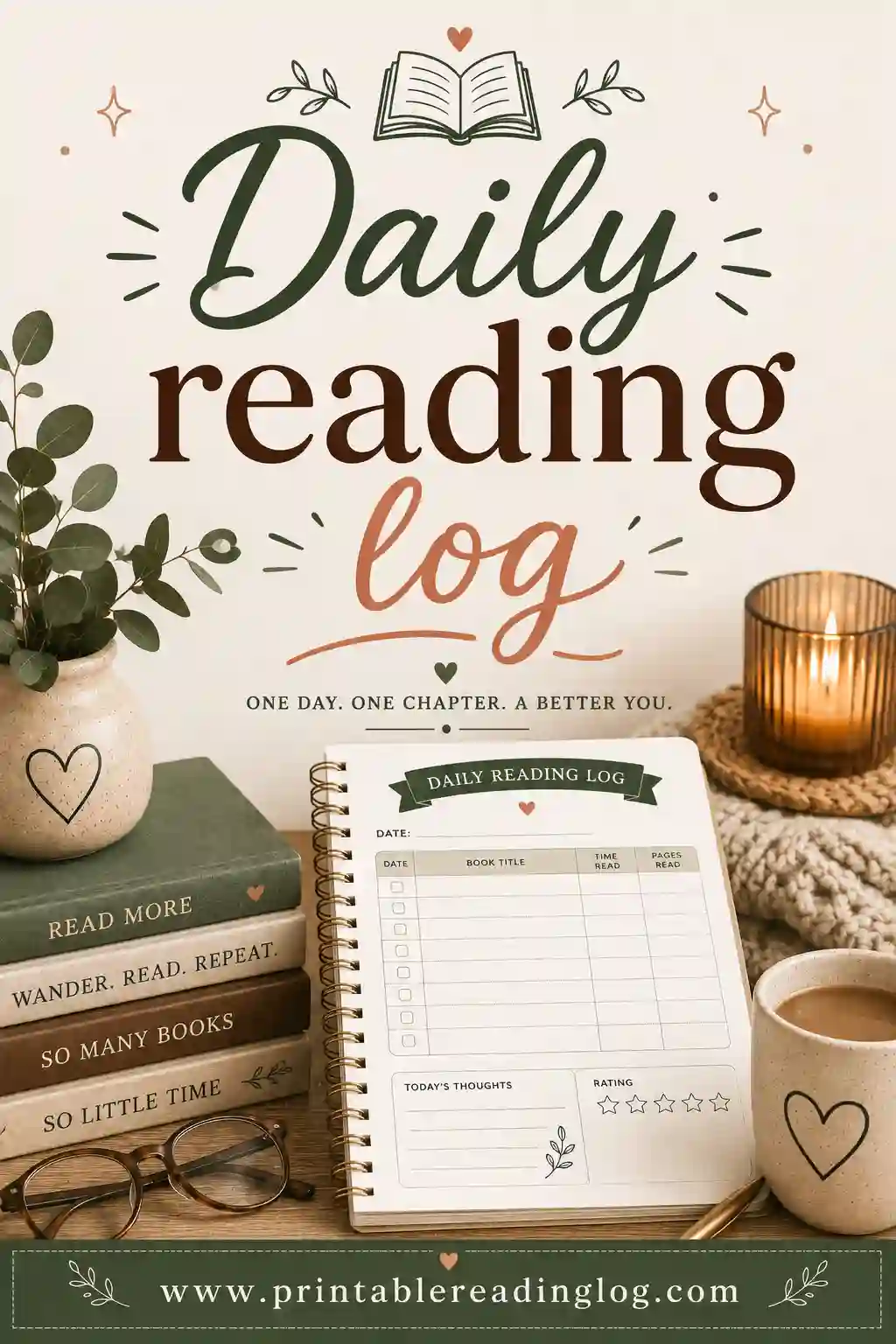
- Minutes — log how long you read each day. Perfect for "read 20 minutes a night" homework logs.
- Pages — track page counts for longer reads and reluctant readers who like watching numbers climb.
- Date — a date-led daily log, handy for streaks, summer reading, and Bible or devotional plans.
Kid-friendly vs adult layouts
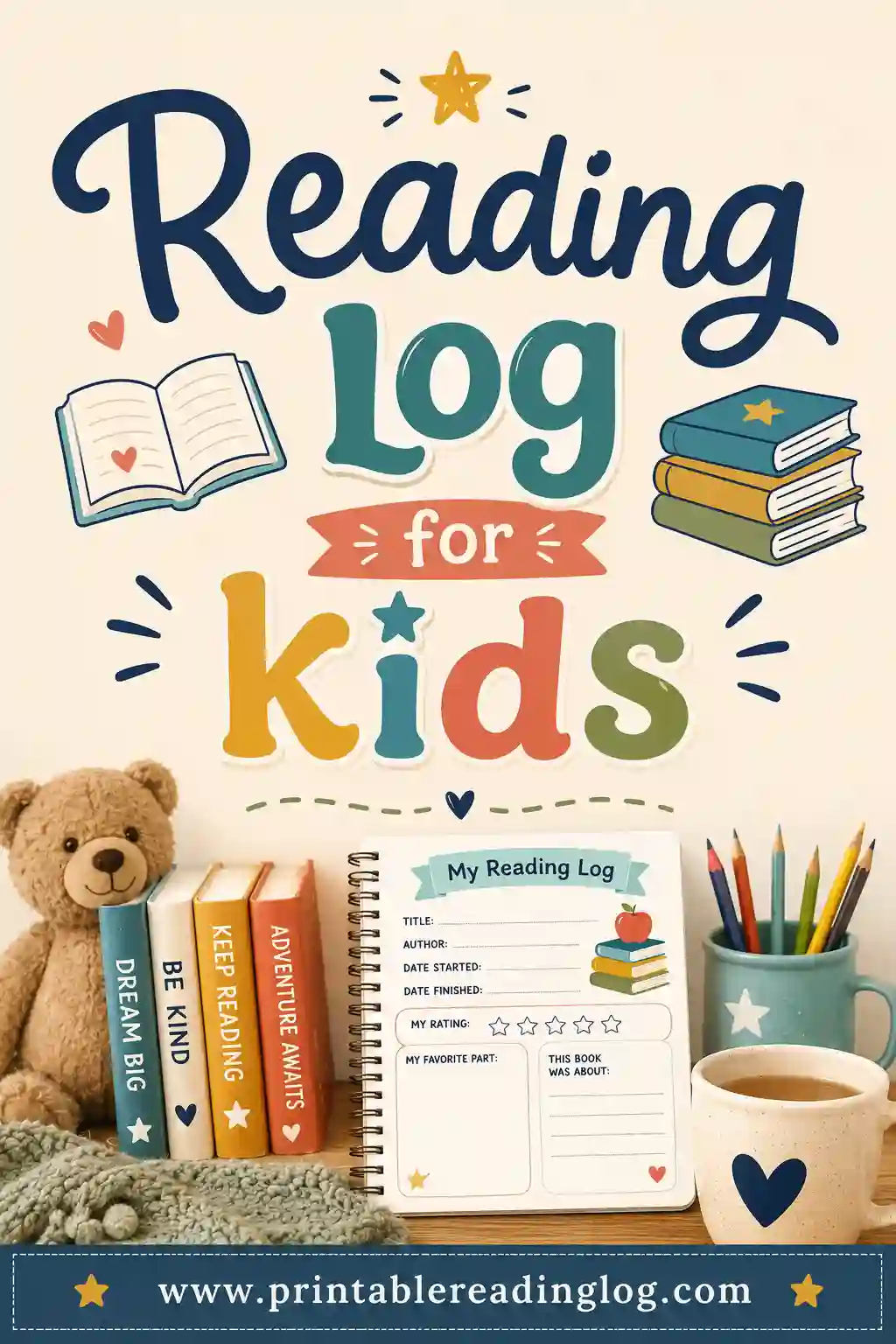
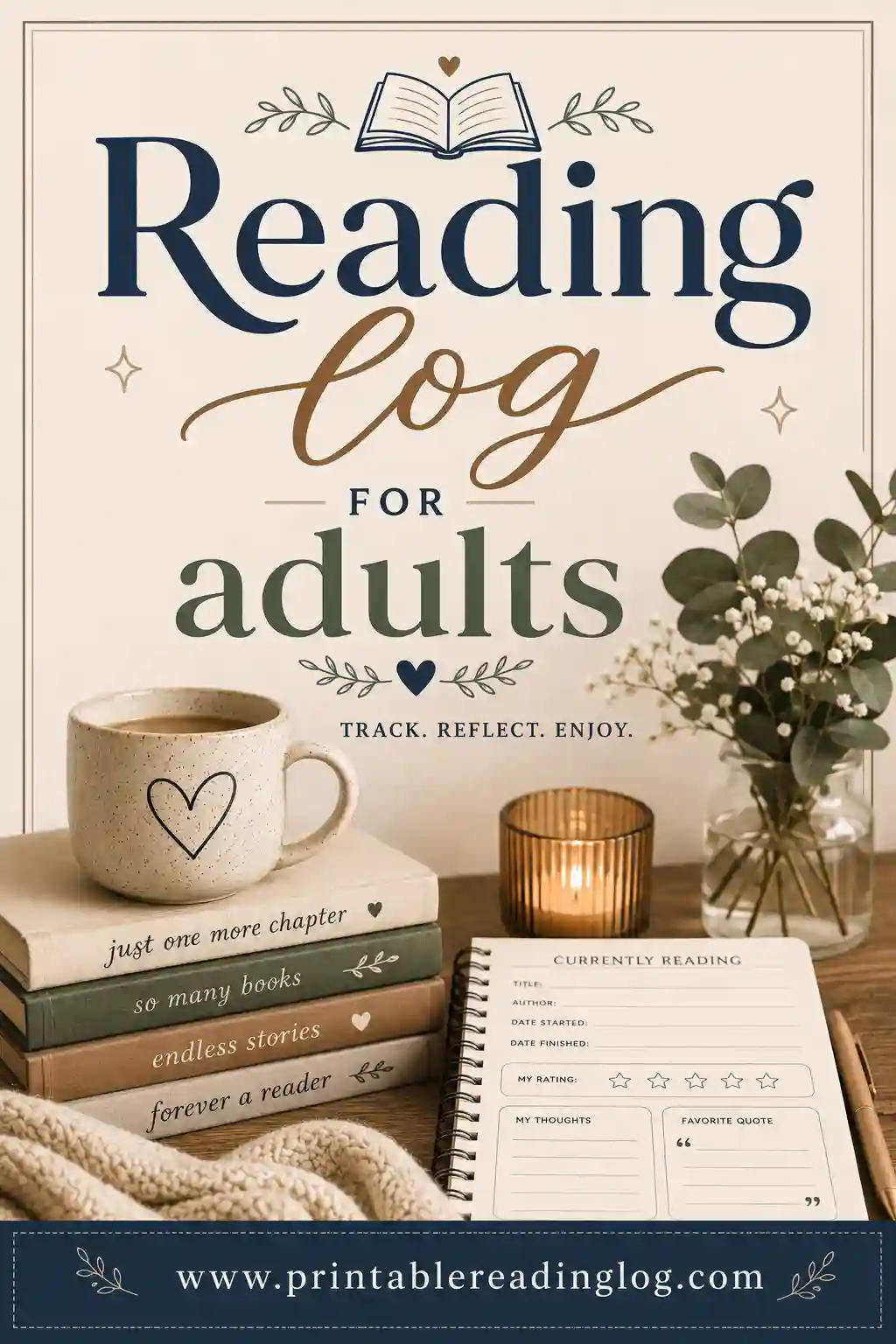
The same tool makes two very different sheets. The kid-friendly mode uses big rounded rows, a playful rounded heading, gold stars to color in, and an optional coloring strip so younger readers can shade a picture as a reward. The adult mode is calm and compact: a tidy serif heading, slim rows, subtle lines and a minimal goal tracker, the kind of book journal that looks at home on a desk.
| Feature | Kid-friendly | Adult / clean |
|---|---|---|
| Heading style | Big, rounded, playful | Elegant serif |
| Rows | Tall, rounded, roomy | Compact, lined |
| Star rating | Gold stars to color | Outline stars |
| Goal tracker | Colorful squares | Minimal squares |
| Coloring strip | Available | Off |
| Best for | Kids, summer, classroom | Adults, journaling, challenges |
Built-in presets to start fast
Not sure where to begin? Tap a preset and tweak from there:
- Kids Reading Log — playful layout, big rows, stars and a coloring strip.
- Summer Reading Log — date-led minutes log for keeping the habit alive over break.
- Classroom Log — high row count with date, title and minutes for daily reading homework.
- Adult Yearly Challenge — clean book journal with a 20-book goal tracker.
- Bible Reading Plan — date and passage style log for a daily devotional habit.
Print-first, like a real worksheet
This tool is built for paper. When you print, every menu, button and control disappears, leaving a single clean sheet sized to fit the page. Pick Letter or A4 and portrait or landscape so it prints right the first time. Want a digital copy? Choose Save as PDF in the print dialog and you'll get a tidy file you can email or reprint anytime.
Best of all, your work sticks around. Every choice you make is saved locally in your browser and never uploaded — close the tab, come back tomorrow, and your log is exactly as you left it. Hit Reset whenever you want a clean slate.
Ready-made printable reading logs to start from
Want a reading log printable without building one from scratch? Each preset in the builder above is a ready-made template. Tap it, add a name, and print. Here is what each one gives you, plus a guide with more ideas for that kind of log:
| Ready-made log | What you get | Guide |
|---|---|---|
| Kids reading log | Big rounded rows, stars to color, coloring strip | Reading log for kids |
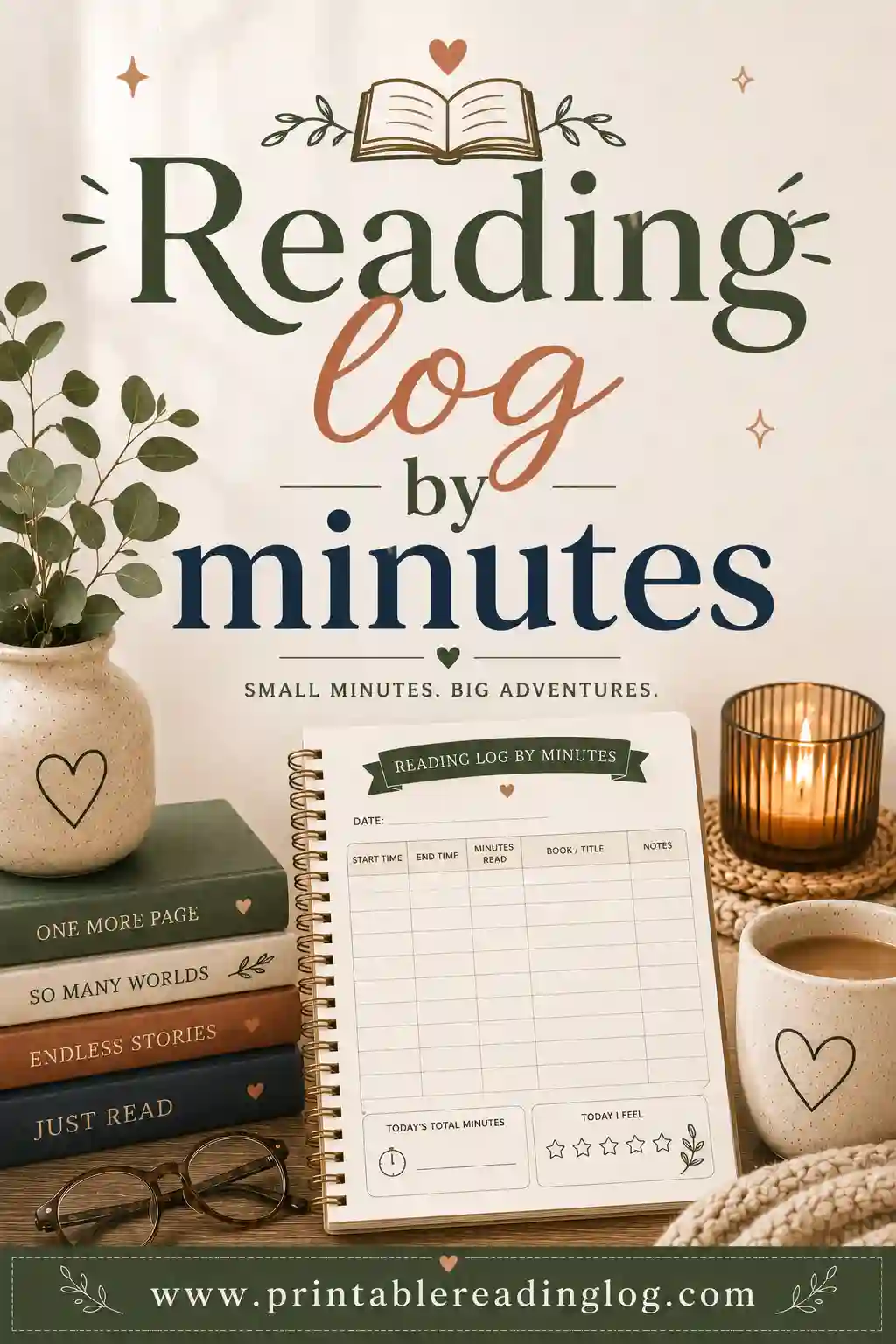
| Reading log by minutes | Date and minutes columns for nightly reading homework | Minutes log |
| Reading log by pages | Page counts that climb as you read | Pages log |
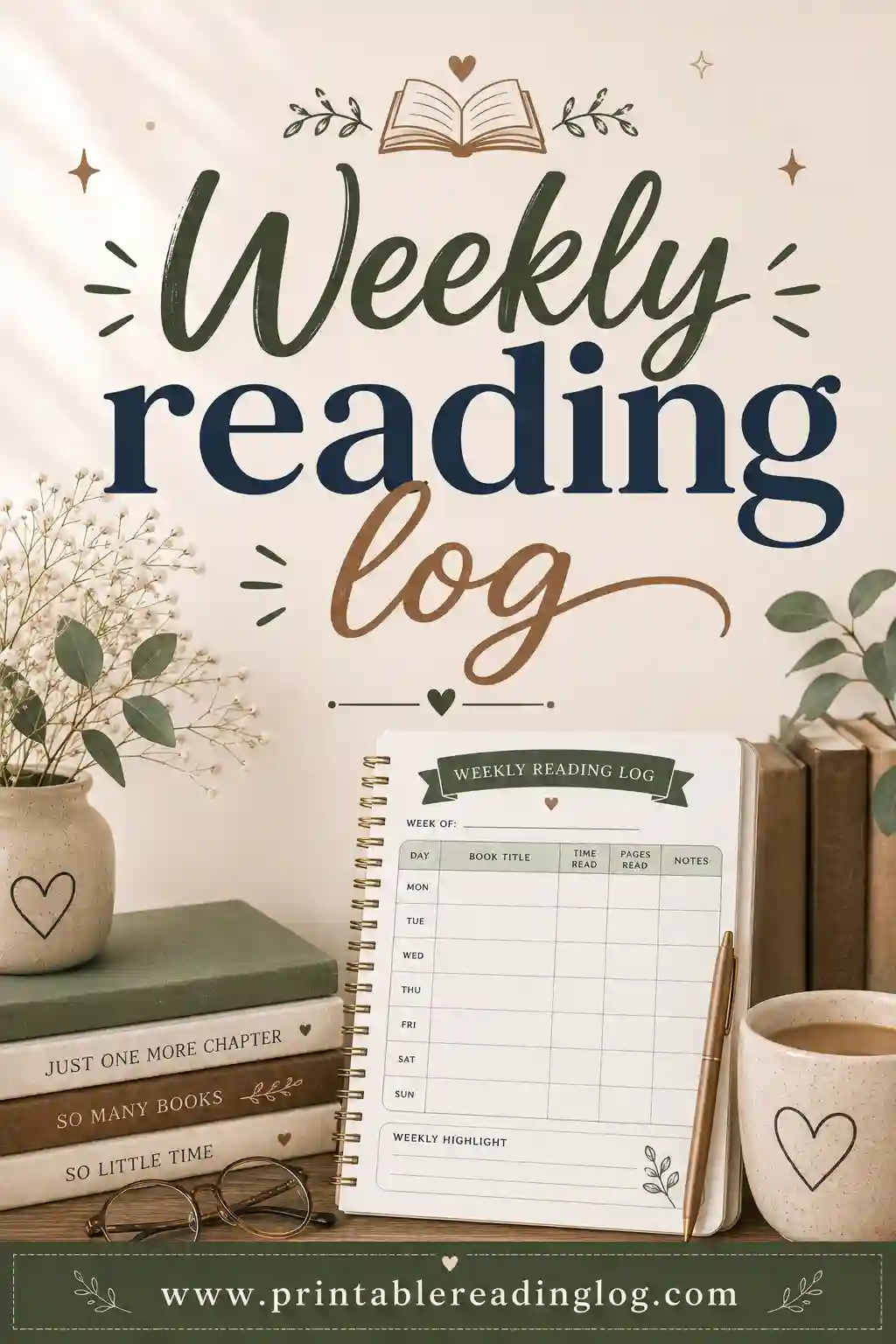
| Weekly reading log | Seven rows, Monday to Sunday | Weekly log |
| Monthly reading log | Rows numbered 1 to 31 with a month picker | Monthly log |
| Summer reading log | Date-led minutes log for school break | Summer log |
| Classroom reading log | Lots of rows with date, title and minutes | Classroom log |
| Book club log | Titles, dates and notes for group reads | Book club log |
| Audiobook log | Track listening time and finished titles | Audiobook log |
| Bookshelf tracker | Blank book spines to color as you finish each book | Reading chart ideas |
| Book review page | One-book page with rating, summary and favorite part | Log with summary |
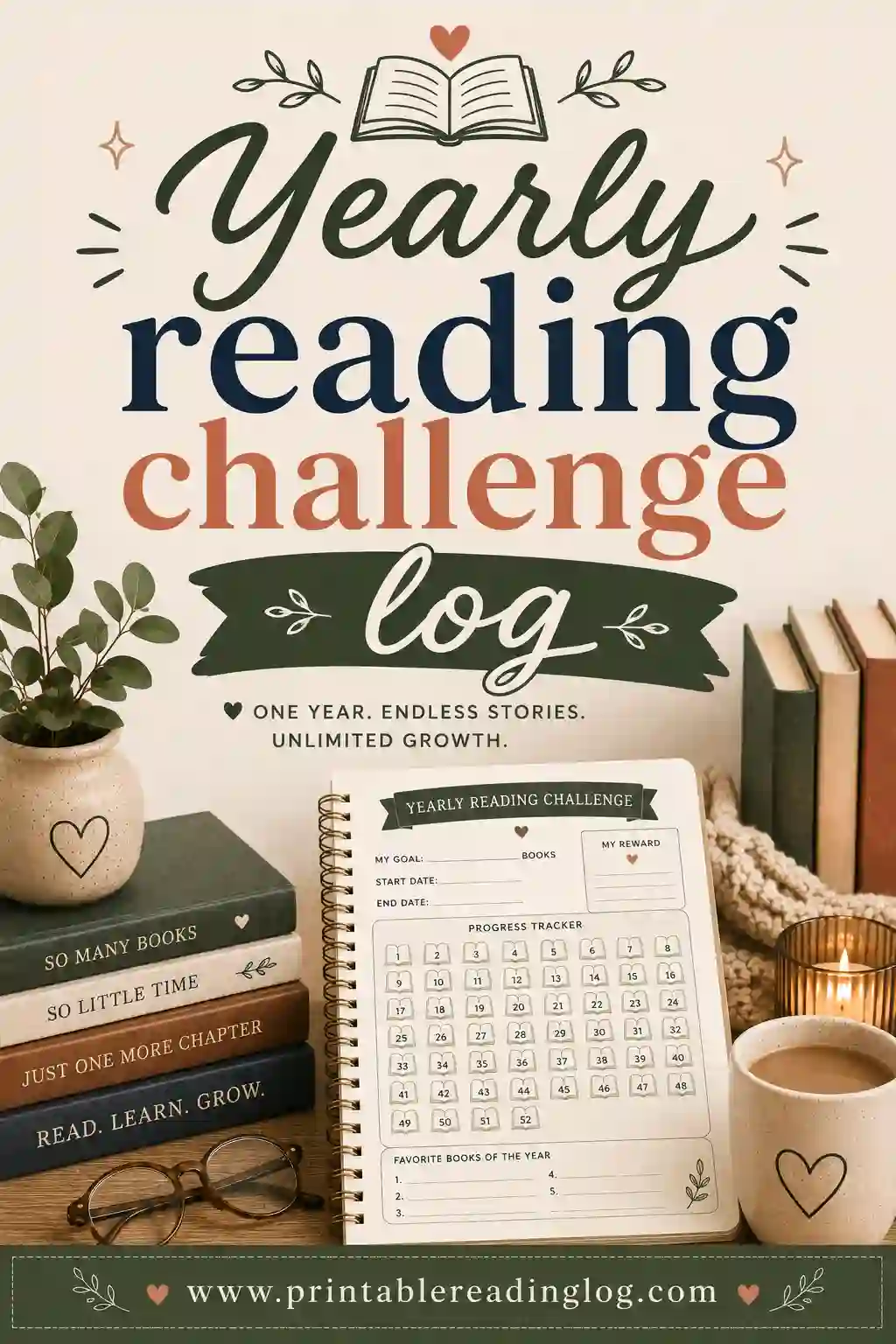
| Yearly reading challenge | Clean book journal with a goal tracker | Yearly challenge log |
Every template is a starting point, not a fixed sheet. Change the columns, the goal, the color theme or the paper size, and the preview updates right away.
Printable reading logs by grade (K-5, middle school, adult)
What a reader needs from a log changes a lot from kindergarten to adulthood. Young children need big spaces and simple pictures to color. Older students can handle titles, authors, page counts and short notes. Adults usually want something tidy and quick to fill in. Use this table to set up the right log for each age:
| Reader | Suggested setup | More ideas |
|---|---|---|
| Toddlers and preschool | Toddler preset; log books read aloud with a grown-up; stars to color | Preschool log |
| Kindergarten | Kids preset; book title and stars; coloring strip on | Kindergarten log |
| 1st and 2nd grade | Kids layout; date, title and minutes; parent initials column | 1st-2nd grade log |
| 3rd to 5th grade | Minutes or pages; title, author and rating; a notes column for a one-line summary | 3rd-5th grade log |
| Middle school | Pages; title, author, genre and rating; adult layout if they want a grown-up look | Middle school log |
| High school | High school preset; dates started and finished, pages and notes | High school log |
| Adults | Adult Yearly Challenge preset; books with a goal tracker and rating | Adult reading log |
A quick rule of thumb: the younger the reader, the fewer columns. A kindergartner who only has to color a star after each book will keep going much longer than one facing six columns to fill in. You can always add columns as they grow. For a closer look at what to expect at each age, see reading milestones by grade level.
Summer reading log and monthly reading calendar
Summer is when reading habits slip the most, and a simple log is one of the easiest ways to keep them going. Tap the Summer Reading Log preset for a date-led minutes log, then set a goal that feels doable for your reader, like a number of books by the end of break or a few minutes every day. Turn on the reading-challenge progress bar so kids can watch the milestone stars fill up over the weeks.
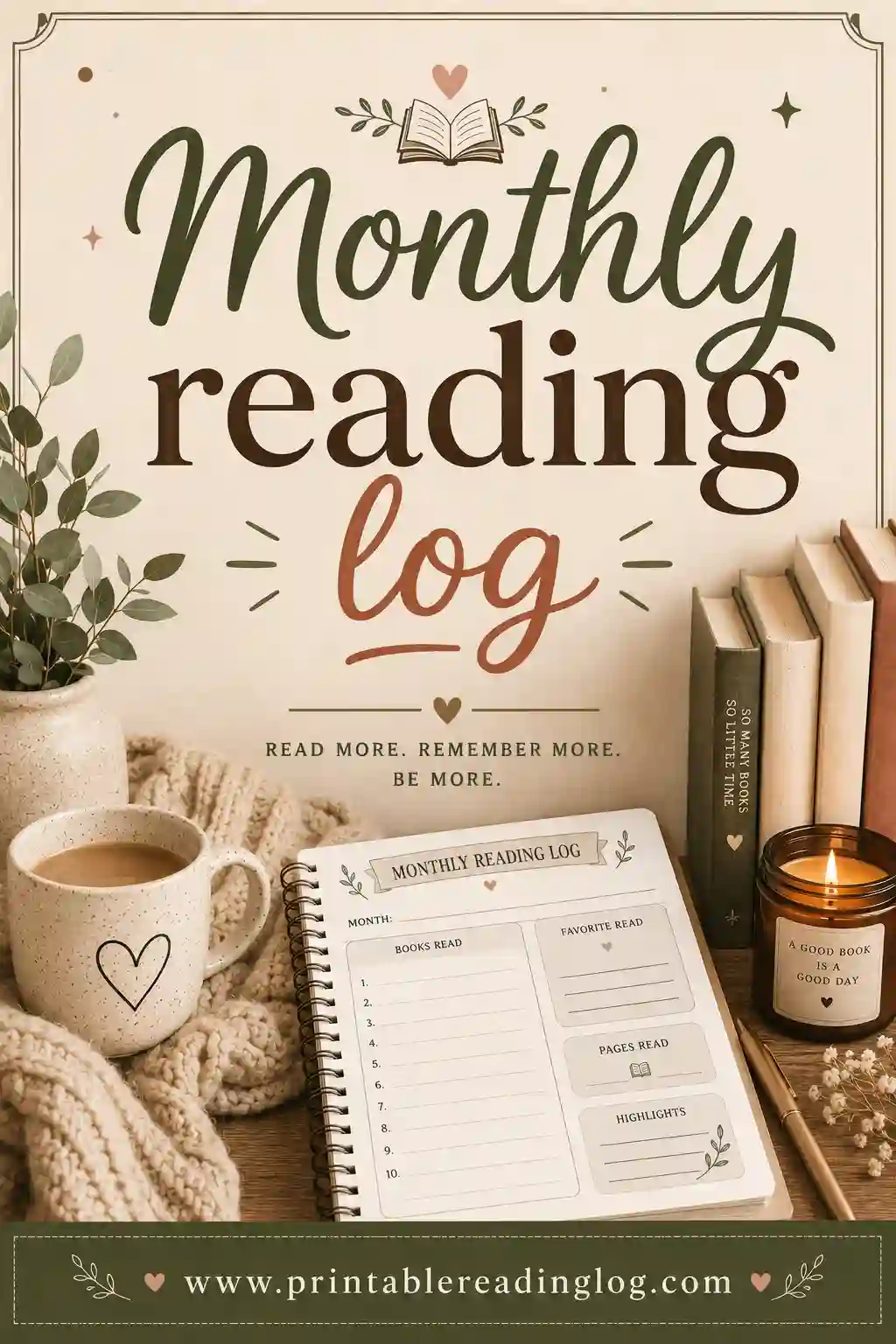
Prefer a calendar-style sheet? The Monthly log preset gives you rows numbered 1 to 31 with a month picker, so the sheet shows the month and year at the top. It works like a reading calendar: one row per day, with space for the title and the minutes or pages read. Print a fresh one at the start of each month and keep them together in a folder to see the whole summer (or the whole year) at a glance.
- For a summer reading program: print one summer log per child, and add a reading bingo card for extra fun. See our reading bingo log.
- For a month-by-month habit: use the monthly log with a small daily goal, and color in the row each day the goal is met.
- For avoiding the summer slide: our guide on how to prevent the summer slide has simple ideas parents can use alongside the log.
Themed reading logs for kids (animals, sports, space)
Kids love a reading log that feels like it was made just for them. You can give any log a theme in a few easy steps:
- Pick a matching color theme. Sky works well for space and ocean logs, Mint for animals and nature, Sunshine for summer, and Blush for a soft, pretty look.
- Name the log after the theme. Type a title into the reader name field, like "Maya's Space Mission Reading Log" or "Leo's Animal Safari Reading Log."
- Make the goal part of the story. Ten books to "reach the moon," twenty to "finish the season," or one book per animal on the safari.
- Use the coloring strip. In kid mode, the coloring strip turns each finished book into a little reward to color.
- Add a themed book list. Turn on the "Books I want to read next" list and fill it with animal, sports or space books from the library.
Need more ways to make reading fun? Try our reading challenge ideas and reading log ideas for kids.
Reading logs for teachers and classrooms
Teachers often need one log that works for a whole class. The Classroom Log preset gives you a high row count with date, title and minutes columns, which fits most nightly reading homework. A few setups that work well in school:
- Homework log: date, title, minutes and a parent initials column, printed once a week or once a month.
- Independent reading log: title, author, genre and rating, so students can look back and see what they enjoy.
- Book report helper: the book review page, with space for a summary and a favorite part, makes a great first step before a written report.
Since there is no limit on printing, you can make one sheet per student. Our reading log for teachers page and reading log tips for teachers guide have more classroom ideas.