How to Use a Reading Log for AR Points: A Step-by-Step Guide
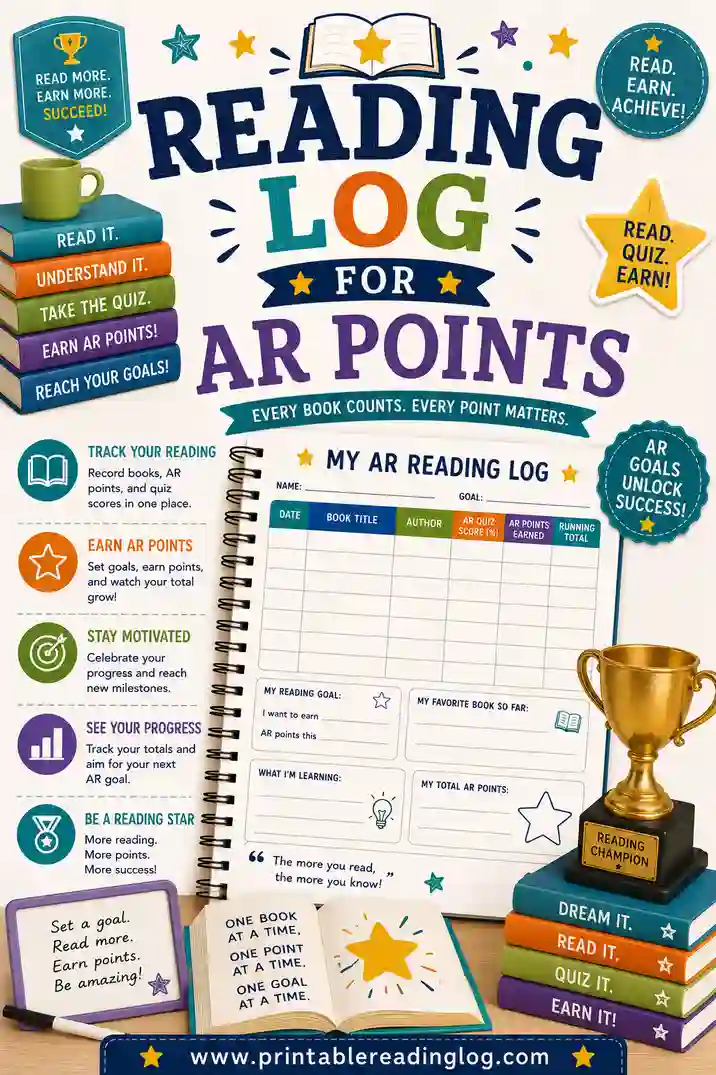
To use a reading log for AR points, write down each book you finish along with its AR level and point value, then log your quiz score and the points you earned after testing. Keep a running point total so you can see how close you are to your goal. A printable log built for Accelerated Reader makes this fast and keeps every book, score, and point in one place. The easiest way to start is to print a log shaped for AR tracking.
Want to jump in? Open the free reading log maker, choose an AR-friendly layout with columns for level, points, and quiz score, and print it. No sign-up, no fee, no app needed.
What Are AR Points, in Plain English?
AR stands for Accelerated Reader, a popular school reading program. After a student finishes a book, they take a short comprehension quiz on a computer. Pass the quiz and they earn points.
How many points a book is worth depends on its length and difficulty. A short, easy book might be worth half a point. A long novel might be worth 15 or 20. The exact points you earn also depend on your quiz score, so reading carefully matters.
Each student usually has a points goal set by their teacher for the term. A reading log is simply the tool that keeps track of the books you read, the quizzes you take, and how those points stack up toward that goal. Without a log, it's easy to lose track of where you stand.
Why Keep a Reading Log for AR?
The AR software tracks points on the school's side, but a personal log is still worth keeping. Here's why.
- You always know your total. No waiting to log into the program to see if you're on pace.
- It motivates. Watching your points climb on paper is satisfying and keeps you reading.
- It plans your reading. Seeing point values helps you choose books that move you toward your goal.
- It backs up the system. If a quiz score gets entered wrong, your log is a handy record.
A log puts you in the driver's seat instead of waiting on a screen. A purpose-built reading log for AR points keeps all of this in one tidy place.
What to Track in an AR Reading Log
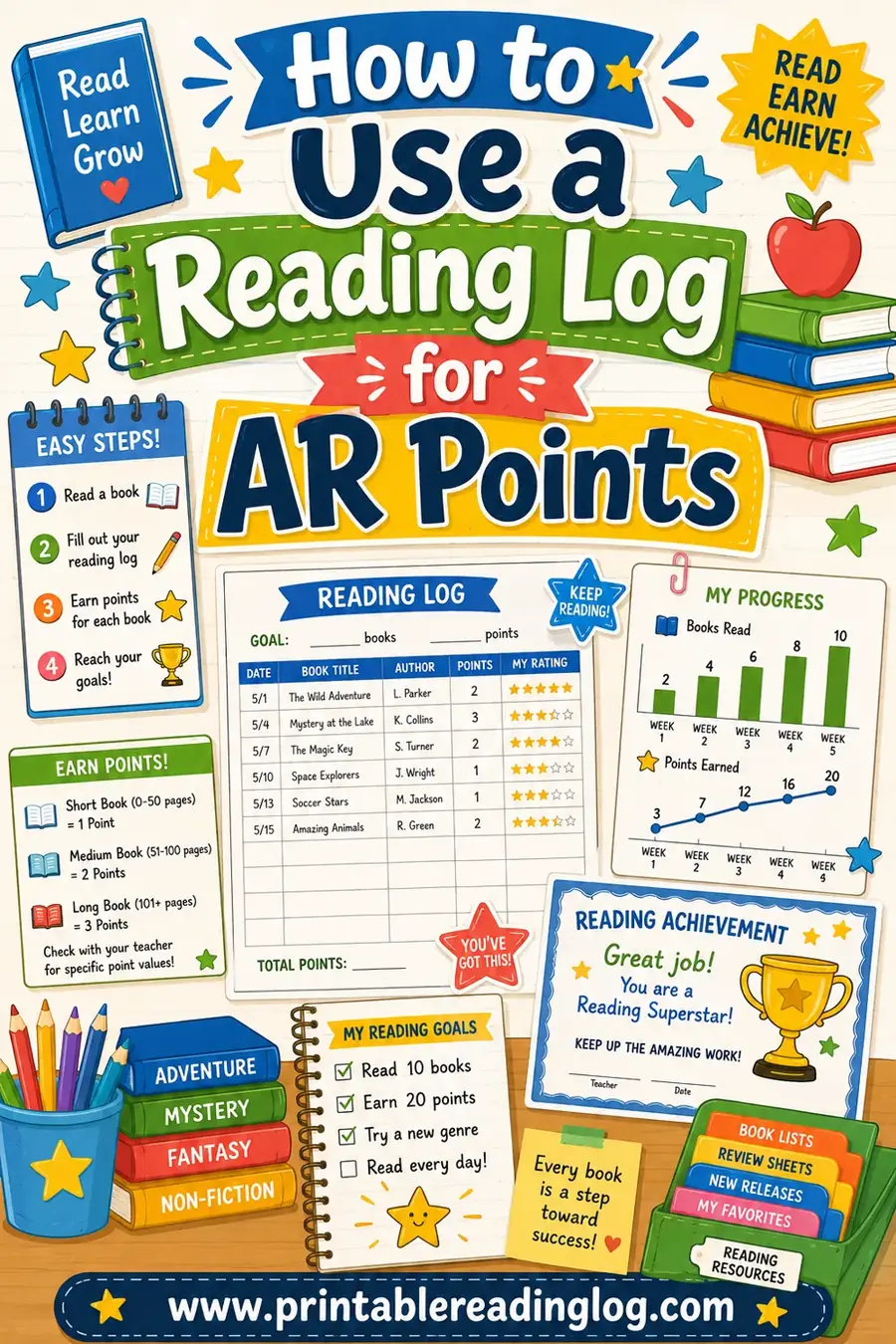
An AR log needs a few more columns than a basic reading log, because you're tracking points, not just minutes. Here's the full set.
- Book title — the book you read.
- AR level (ATOS) — the book's reading level, so you stay in your range.
- Points possible — what the book is worth at 100%.
- Quiz score — the percent you got on the comprehension quiz.
- Points earned — the points you actually got (score affects this).
- Running total — your points so far, updated each time.
That last column is the secret weapon. A running total means you always know your progress at a glance, with no math marathon at the end of the term.
How to Use a Reading Log for AR Points in 6 Steps
Here's the whole routine. Once you've logged a few books, it takes under a minute each time.
- Find your AR level. Your teacher gives you a reading range (often called ZPD). Write it at the top of your log so you pick books in range.
- Pick a book in your range. Check the book's AR level and point value before you start. Many libraries label this, or you can look it up on AR BookFinder.
- Read the whole book. AR quizzes test comprehension, so read carefully. Skimming for points backfires when the quiz comes.
- Log the book. Write the title, AR level, and points possible as soon as you finish, before you forget.
- Take the quiz and record your score. After testing, add your quiz score and the points you actually earned.
- Update your running total. Add the new points to your total. Glance at your goal to see how close you are.
That's the full loop: pick, read, log, quiz, record, total. Repeat until you hit your goal, then keep going.
A Sample AR Reading Log You Can Copy
Here's what a filled-in AR log looks like for one student over a few weeks. Yours can match this layout exactly.
| Book title | AR level | Points possible | Quiz score | Points earned | Running total |
|---|---|---|---|---|---|
| Charlotte's Web | 4.4 | 6.0 | 90% | 5.4 | 5.4 |
| Frog and Toad Together | 2.9 | 0.5 | 100% | 0.5 | 5.9 |
| The One and Only Ivan | 3.6 | 6.0 | 80% | 4.8 | 10.7 |
| Because of Winn-Dixie | 3.9 | 6.0 | 100% | 6.0 | 16.7 |
| Fox in Socks | 1.9 | 0.5 | 100% | 0.5 | 17.2 |
See how the quiz score changes the points earned? Charlotte's Web is worth 6 points, but a 90% score earned 5.4. That's the difference careful reading makes. The running total shows this student is at 17.2 points, easy to see at a glance.
Tips for Earning More AR Points
Want to make every book count? A few smart habits add up fast.
Read at the right level
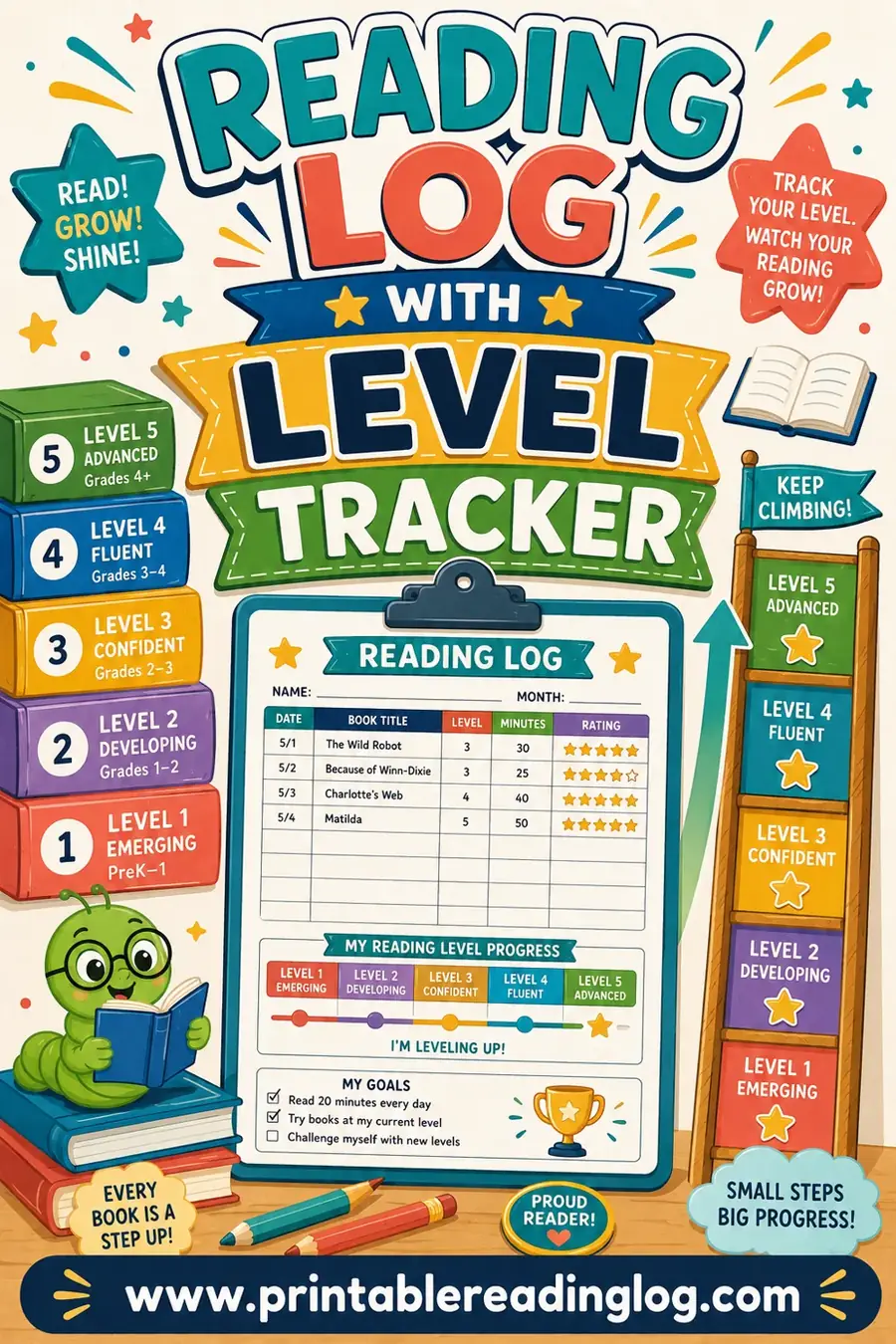
Books in your AR range are challenging enough to grow your skills but not so hard you can't pass the quiz. Reading way above your level often means a low score, which means fewer points even on a high-value book. A reading log with a level tracker helps you stay in your sweet spot.
Aim for high quiz scores
Points earned = points possible × your quiz score. A perfect score on a small book can beat a sloppy score on a big one. Reading carefully is the highest-value habit in the whole program.
Mix book lengths
Long books carry big point values but take time. Short books are quick points and quick wins. A mix keeps your total climbing steadily and keeps reading from feeling like a slog.
Log right after you read
The longer you wait, the more you forget. Log the book the moment you finish so your record stays accurate and your total stays current.
How AR Points Connect to Your Reading Goal
Your teacher usually sets a points goal for the grading period. A log turns that big goal into a clear, daily plan.
Say your goal is 20 points in nine weeks. That's a little over 2 points a week. Your log shows you exactly whether you're on pace:
- Ahead? Great, keep the momentum or try a longer book.
- On pace? Perfect. Keep doing what you're doing.
- Behind? No panic. Add a few short, in-range books for quick points, or read a bit more each day.
The point of tracking isn't pressure, it's clarity. When you can see where you stand, the goal stops feeling scary and starts feeling doable. For classroom-wide tracking, pair your personal log with a classroom reading log so the whole class can see progress together.
Common AR Logging Mistakes to Avoid
A few slip-ups can throw off your points or your motivation. Watch for these.
- Logging before quizzing. Always wait for your quiz score to record real points earned, not just points possible.
- Reading too far above level. Big-point books feel tempting, but a low quiz score means fewer points. Stay in range.
- Skimming for points. AR quizzes test comprehension. Speed-reading to grab points usually backfires on the quiz.
- Forgetting the running total. Without it, you're stuck adding everything up later. Update it every time.
- Ignoring the goal. Glance at your goal each week so you can adjust your reading while there's still time.
Sidestep these and your AR log becomes a reliable map to your points goal.
Frequently Asked Questions
How do AR points work?
AR points are earned by reading a book and passing a short comprehension quiz on it. Each book has a point value based on its length and difficulty. The points you actually earn depend on your quiz score, so a higher score on a book earns more of its possible points.
What should I track in an AR reading log?
Track the book title, its AR level, the points possible, your quiz score, the points you earned, and a running point total. The running total is especially useful, it shows your progress toward your goal at a glance without any end-of-term math.
Do I log the book before or after the AR quiz?
Log the book's title, level, and points possible right when you finish reading, then come back to add your quiz score and points earned after you take the quiz. This way your log captures the real points you earned, not just what the book was worth.
How do I know what AR level a book is?
Many school libraries label books with their AR level and points. You can also look books up on AR BookFinder, a free database of AR titles. Write the level in your log so you can see whether each book is in your assigned reading range.
How can I earn more AR points?
Read carefully so you score high on quizzes, since points earned depend on your score. Stay within your assigned level so you can pass the quizzes, and mix short books (quick points) with longer ones (big point values). Logging each book right away keeps your total accurate so you always know where you stand.
Can I use a printable reading log alongside the AR program?
Yes. The AR software tracks points on the school's side, but a personal printable log lets you see your total any time, plan which books to read next, and keep a backup record. Many students find that watching their points climb on paper is a strong motivator.
Start Tracking Your AR Points Today
A good AR reading log turns a points goal from a mystery into a plan you can see. Track each book's level, your quiz score, and the points you earn, keep a running total, and check it against your goal. Open the free reading log maker, build an AR-friendly layout with the right columns, and print it in seconds. It's free, there's no sign-up, and watching your points climb is the best motivation to read just one more book. Happy reading, and good luck hitting your goal.