Reading Log as a Goodreads Alternative: Free Printable
A reading log makes a great Goodreads alternative for readers who want to track their books without an app, an account, or an algorithm watching over their shoulder. You get the good parts of Goodreads, the list of books read, star ratings, and notes, on a clean printable page you fully own. The fastest way to start is a free reading log maker that builds a printable log with the columns you actually use.
Want to ditch the app today? Open the free tool, add columns for the title, author, rating, and your thoughts, and print. No sign-up, no account, no data harvesting. Just you and your books.
Why Look for a Goodreads Alternative
Goodreads is useful, but plenty of readers want out. The app is dated, it's owned by a giant retailer, and it can turn a quiet hobby into a feed full of pressure, ads, and reading "stats" that start to feel like work. Some readers just want to track their books and be left alone.
A printable reading log scratches that itch. It gives you the core of what people use Goodreads for, without the parts they don't like:
- No account. Nothing to sign up for, nothing to log into.
- No internet. Your books live on paper, not on a server.
- No ads or recommendations. Just your list, your ratings, your notes.
- Full ownership. Your reading data is yours, not a company's.
- No social pressure. Nobody sees your shelf unless you show them.
If those reasons resonate, a paper log might be exactly the switch you're after. And it costs nothing to try.
What a Reading Log Keeps That Goodreads Also Tracks
Here's the good news: a reading log can capture almost everything you'd track on Goodreads. The difference is it lives in a notebook on your desk, not in an app on your phone.
| Goodreads feature | Reading log equivalent |
|---|---|
| "Read" shelf | A row for every finished book |
| Star rating | A 1–5 star or number column |
| Review | A notes or thoughts column |
| Reading challenge | A yearly goal box with a running count |
| Currently reading | A "now reading" line at the top |
| Want to read | A separate to-read list page |
| Date finished | A date column |
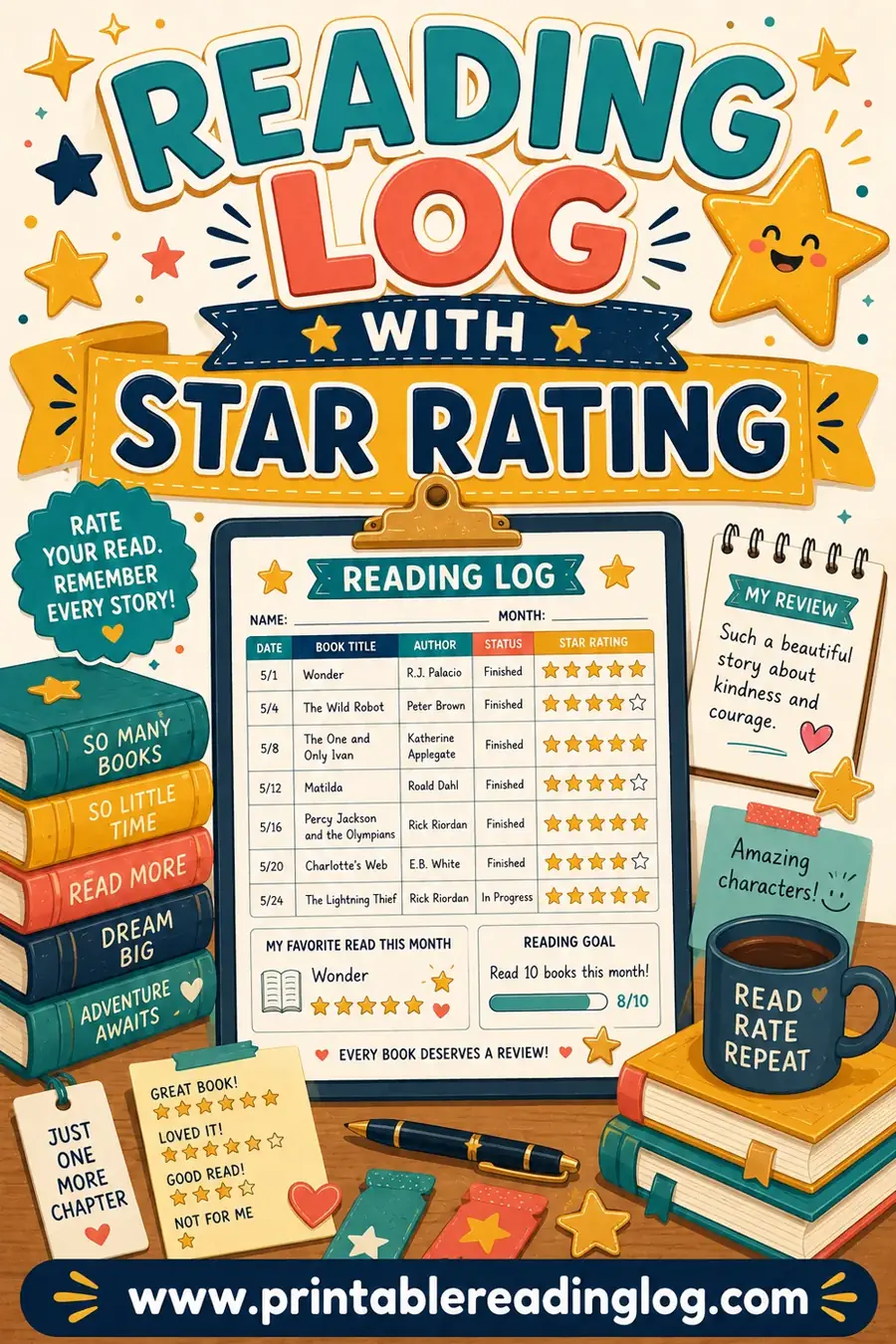
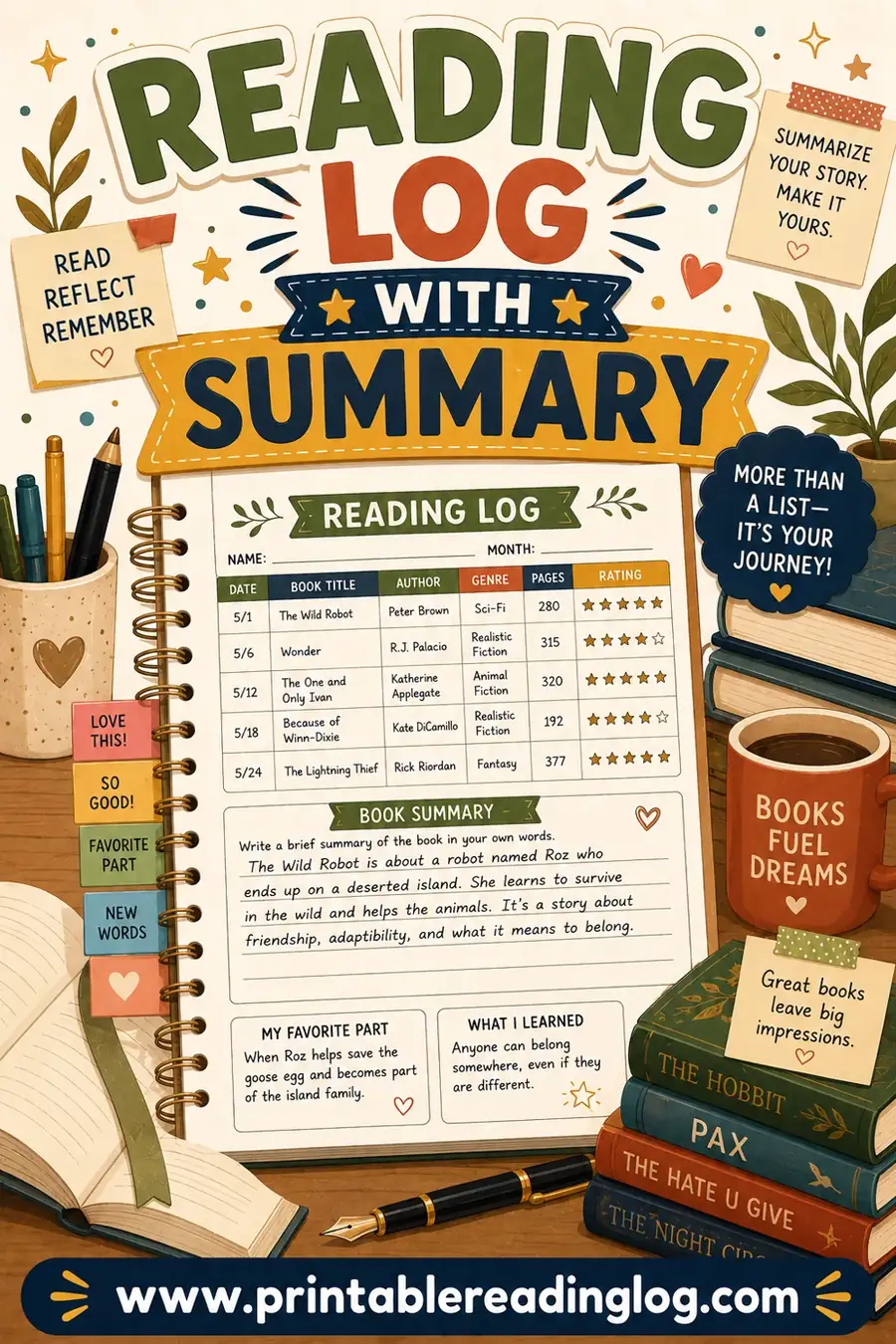
The only things you give up are the social feed and the algorithm. For a lot of readers, that's the whole point. If you want the at-a-glance ratings, a log with a star-rating column covers it. If you like writing little reviews, add a summary column.
How to Build Your Goodreads-Style Reading Log
Setting up your paper "shelf" takes a few minutes. Here's a clean way to do it.
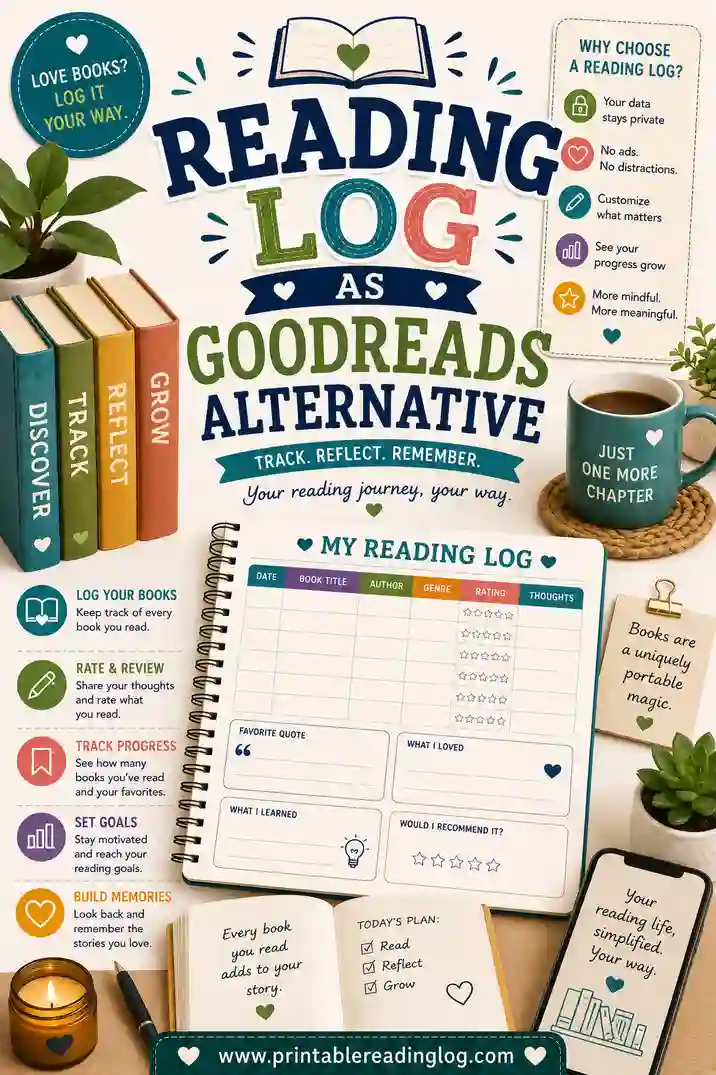
- Pick your columns. Title, author, date finished, rating, and a notes column cover the essentials. That's your whole Goodreads shelf in five columns.
- Add a yearly goal box. Want to read 40 books this year? Add a goal and a running tally so you always know where you stand.
- Choose your layout. A full sheet of rows works as a year-long shelf. A single page per book gives you room for a longer review.
- Print and bind. Print a stack and clip them into a notebook or a binder. That binder becomes your shelf.
Set it up once and you've got a reading tracker that never needs an update, a password, or a Wi-Fi signal.
A sample book-tracking layout
Here's what a few filled-in rows might look like, so you can picture your paper shelf:
| Date | Title | Author | ⭐ | Notes |
|---|---|---|---|---|
| Jan 8 | Project Hail Mary | A. Weir | ⭐⭐⭐⭐⭐ | Couldn't put it down |
| Jan 22 | The Midnight Library | M. Haig | ⭐⭐⭐ | Good idea, slow middle |
| Feb 5 | Educated | T. Westover | ⭐⭐⭐⭐⭐ | Stayed with me for days |
Three lines and you already have a shelf you'd recognize from any app: dates, ratings, and a one-line review. The only thing missing is the noise.
What You Gain by Going Offline
Switching from an app to paper isn't just about avoiding the things you dislike. There are real upsides to a physical log.
You slow down and reflect
Writing a rating and a sentence by hand makes you pause and actually think about the book. It's a small ritual that deepens the reading, where tapping a star on a screen takes half a second and means half as much.
It becomes a keepsake
A finished reading log is a object you can hold: a record of a year of reading in your own handwriting. Years later, flipping back through it is a small joy. An app's database never feels like that.
Nothing distracts you
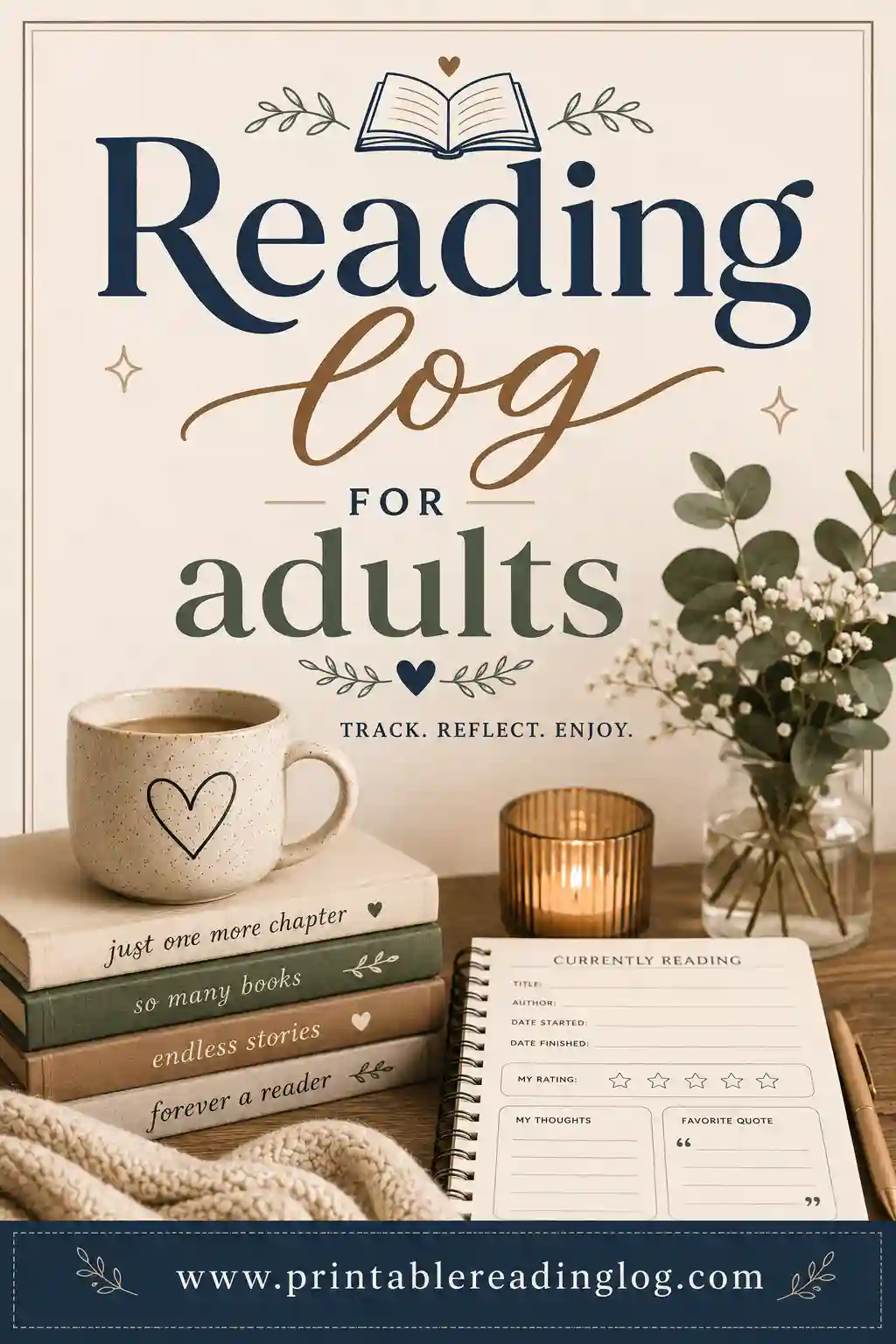
No notifications, no "people are reading" feed, no nudge to buy the sequel. Your log does one job, tracking your books, and then it gets out of your way. For adults rebuilding a reading habit, that calm focus is gold. A reading log for adults is built for exactly this.
Your data stays yours
You're not feeding a recommendation engine or a marketing profile. Your reading life is private, on paper, in your home. For a lot of readers in 2026, that alone is reason enough to switch.
Setting and Tracking a Yearly Reading Goal
One Goodreads feature people genuinely miss is the yearly reading challenge. The good news: a paper log does this beautifully, and you actually see it every time you open the notebook.
- Pick a number. Be honest about your year. If you read 20 books last year, aim for 24, not 100.
- Add a tally box. A simple "12 / 30" counter at the top of your log shows progress at a glance.
- Color a tracker. Some readers draw 30 little book spines and color one in per book. It's oddly satisfying.
- Review each quarter. Every few months, flip back, count, and adjust. A paper log makes this a pleasant ritual, not a chore.
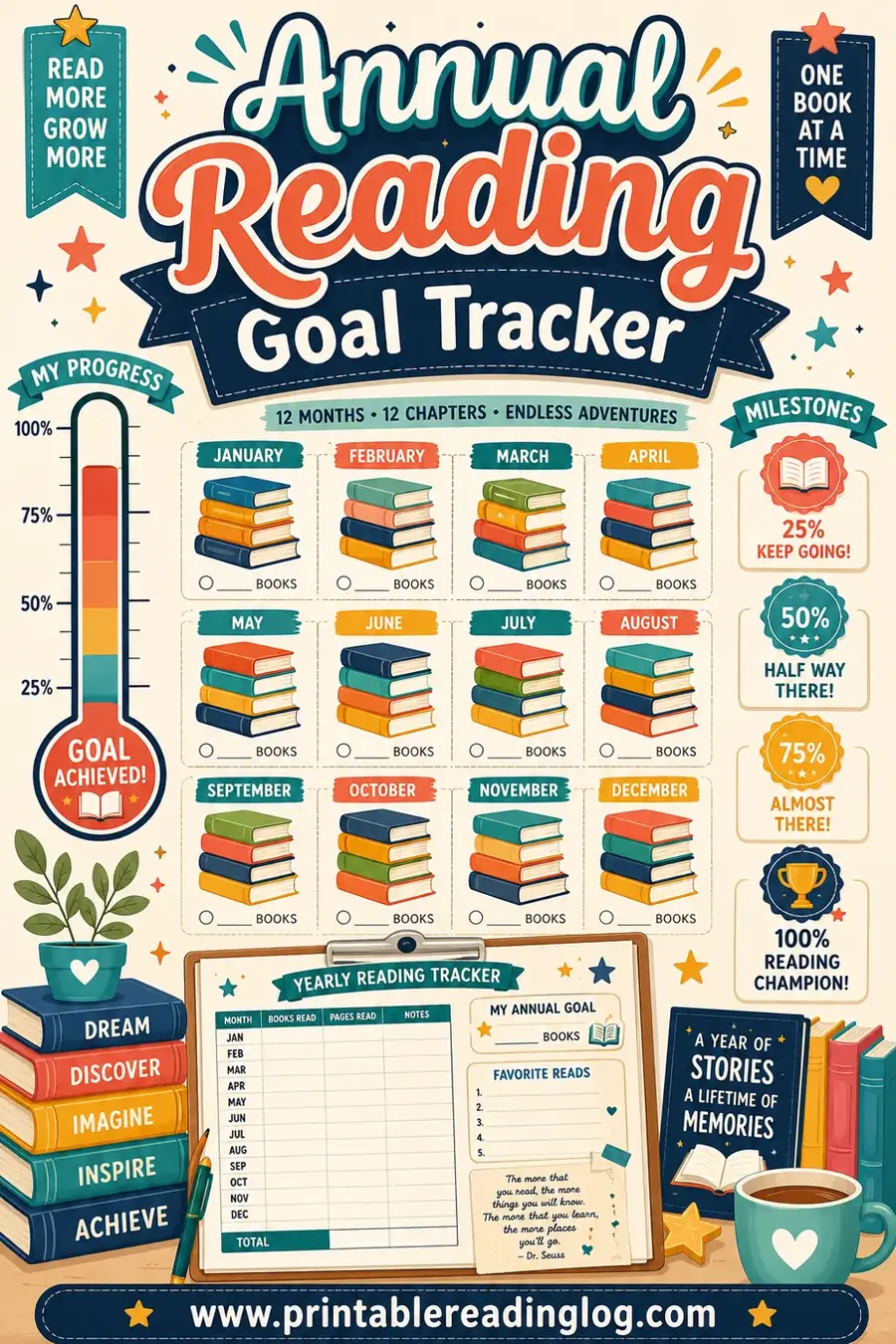
For a dedicated goal page, an annual reading goal tracker gives you a visual count that's far more motivating than a hidden app stat.
Who a Paper Reading Log Suits Best
This switch isn't for everyone, but it's perfect for certain readers.
- Minimalists who want fewer apps and less screen time.
- Privacy-minded readers who don't want their habits tracked or sold.
- Journalers and bullet-journal fans who already love writing things by hand.
- Parents building a reading habit with kids who shouldn't be on apps.
- Anyone burned out on social media and the pressure of a public reading feed.
If you love the social side of Goodreads, you might miss it. But if you only ever used it to track your own books, a printable log gives you the whole job for free, on paper, with none of the noise.
Moving Your Reading Off the App
If you're switching from Goodreads, you might wonder what to do with years of data already in the app. The honest answer: you probably don't need most of it. The "read" shelf you'll never reopen, the half-finished reviews, the want-to-read list with 400 titles, most of that is digital clutter you won't miss.
Still, a clean break helps. Spend twenty minutes copying just the highlights into your new paper log: the handful of five-star books you'd recommend to anyone, the authors you want to read more of, and the few want-to-read titles you're actually excited about. Leave the rest. Starting fresh on paper is part of the appeal, not a loss.
From there, build the habit of logging the moment you finish a book. Close the back cover, open your notebook, and write the row while the book is still fresh. It takes thirty seconds and it's far more satisfying than tapping a star later and forgetting why you liked it.
Pairing paper with a simple digital backup
Some readers want a paper log but still like a searchable record. That's easy: keep the paper log as your main tracker and, once a month, copy the finished rows into a plain spreadsheet or a notes file. You get the calm, screen-free daily experience plus a backup you can search, with none of the social pressure or ads of a full reading app. It's the best of both worlds, and you stay in control of where your data lives.
Frequently Asked Questions
Can a printable reading log really replace Goodreads?
For tracking your own books, yes. A log captures your finished list, star ratings, notes, and a yearly goal, which is what most people actually use Goodreads for. The only things you give up are the social feed and recommendations.
What columns should a Goodreads-style reading log have?
Title, author, date finished, a star rating, and a notes column cover the essentials. Add a yearly goal box with a running tally to replace the Goodreads reading challenge, and you've recreated your whole shelf on paper.
Why use paper instead of a reading app?
Paper means no account, no ads, no algorithm, and full ownership of your data. Writing ratings and notes by hand also makes you reflect more, and a finished log becomes a keepsake of your reading year in your own handwriting.
How do I track a yearly reading goal on paper?
Add a simple counter like "12 / 30" at the top of your log, or color in a book icon for each title you finish. Review it every few months and adjust. It's more visible and satisfying than a stat buried in an app.
Is this reading log free?
Completely free. You build and print it yourself with no sign-up, no account, and no watermark. There's nothing to subscribe to, which is part of the appeal of leaving an app behind.
Can I keep a "want to read" list too?
Yes. Just add a separate page for your to-read list. Jot titles as you hear about them, then move each one onto your main log once you finish it, the same flow as a Goodreads shelf.
Ready to Build Your Goodreads Alternative?
Pick your columns, add a yearly goal, open the free reading log maker, and you'll have a printable book tracker ready in minutes. It's free, there's no account, and your reading life stays yours, on paper, with no ads and no algorithm. Print it, clip it into a notebook, and start your own private shelf today.