Reading Log by Pages: Free Printable Page Tracker
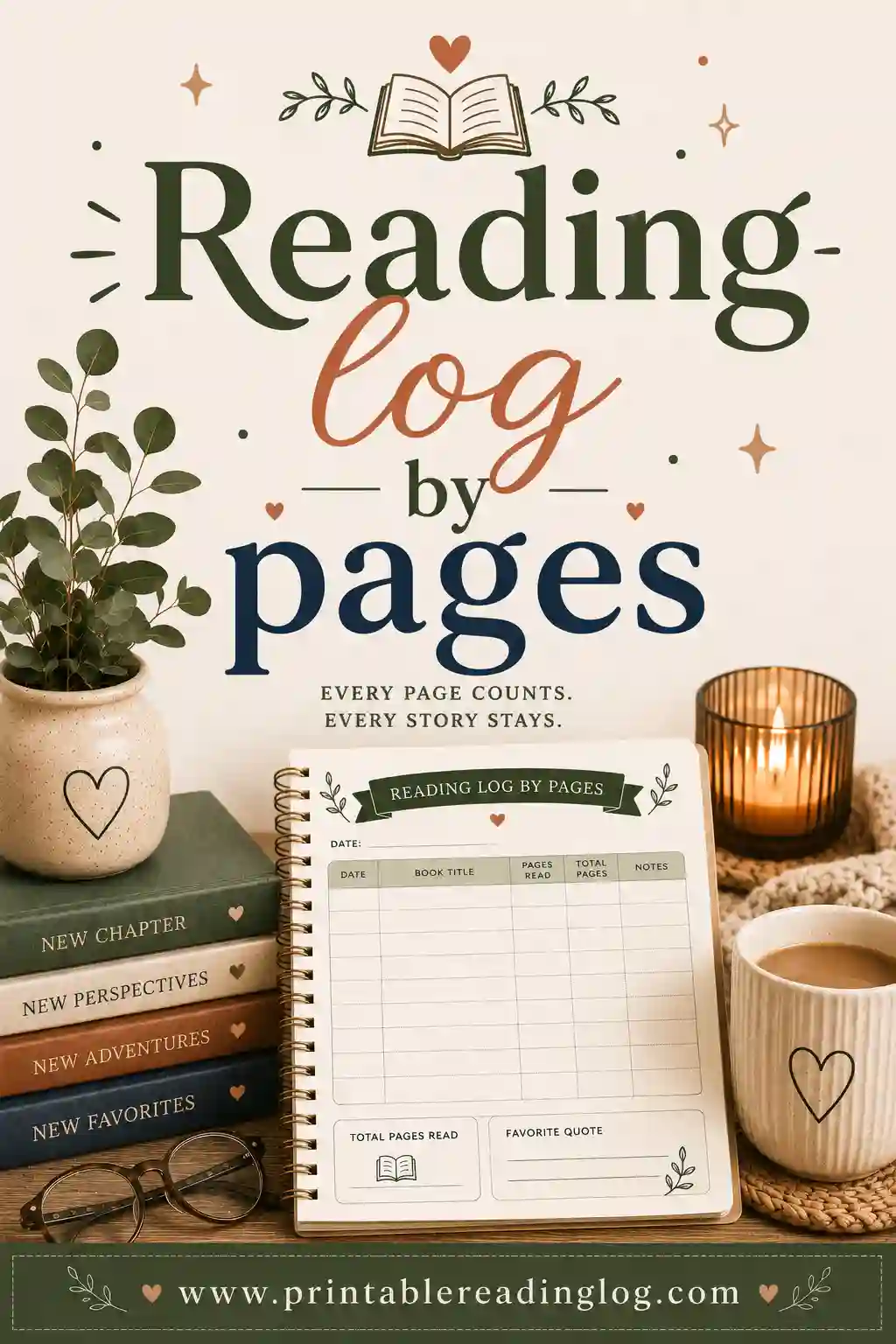
A reading log by pages tracks how many pages you read each day instead of how long you read or how many books you finish. You write down the date, the title, and the pages read (or the page you stopped on), then total them over the week or month. It's great for chipping away at long books and watching steady progress. The fastest way to make one is a free reading log maker that builds a clean page tracker in seconds.
Want to make yours now? Open the free tool, pick the by-pages layout, set a daily page goal if you like, and print. No sign-up, no cost, nothing to download.
What Is a Reading Log by Pages?
A reading log by pages records the number of pages you read, day by day. Each row holds the date, the book, and either the pages read that session or the page number you reached. A running total at the bottom shows your progress through a book or across the whole month.
This format is all about momentum. When you can see "page 142" climb toward "page 300," a long book stops feeling endless. Each row is proof you're moving, which is exactly the nudge many readers need to keep going.
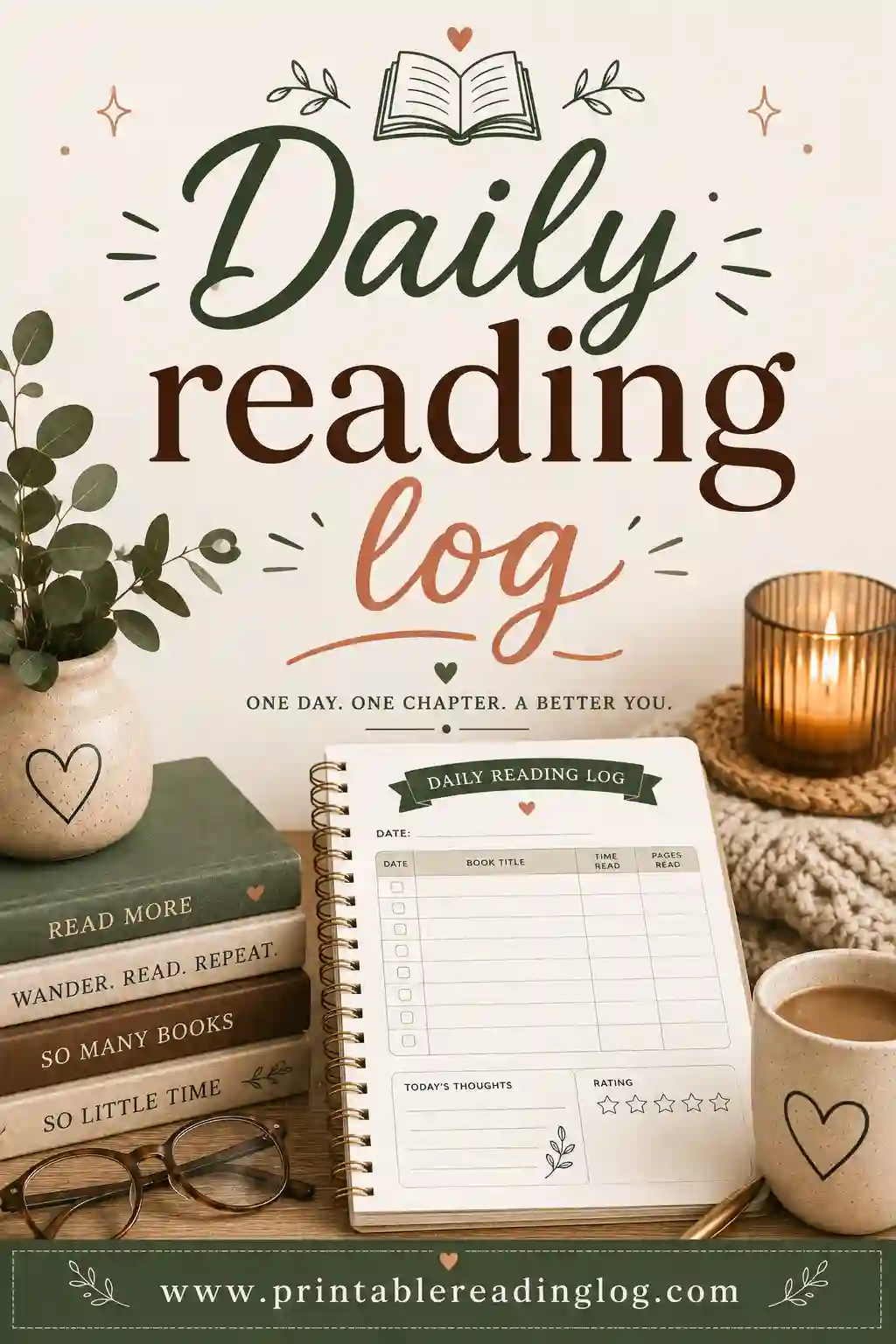
A typical page log includes columns for:
- Date — to track daily reading.
- Title — what you're reading.
- Pages read (or page reached) — the core number.
- A running total — pages add up and feel rewarding.
- A rating or note — optional, for when you finish a book.
Keep it simple or add extras. Building your own means you choose what's on it.
Why Track Reading by Pages?
Pages aren't the only way to log reading, but they shine in certain situations. Here's when a page log is the right pick.
It's perfect for long books
Big books can feel like a slog. Tracking pages breaks the mountain into hills. Reading 25 pages a night turns a 400-page novel into a clear, two-and-a-half-week project instead of a vague "someday I'll finish it."
It makes goals concrete
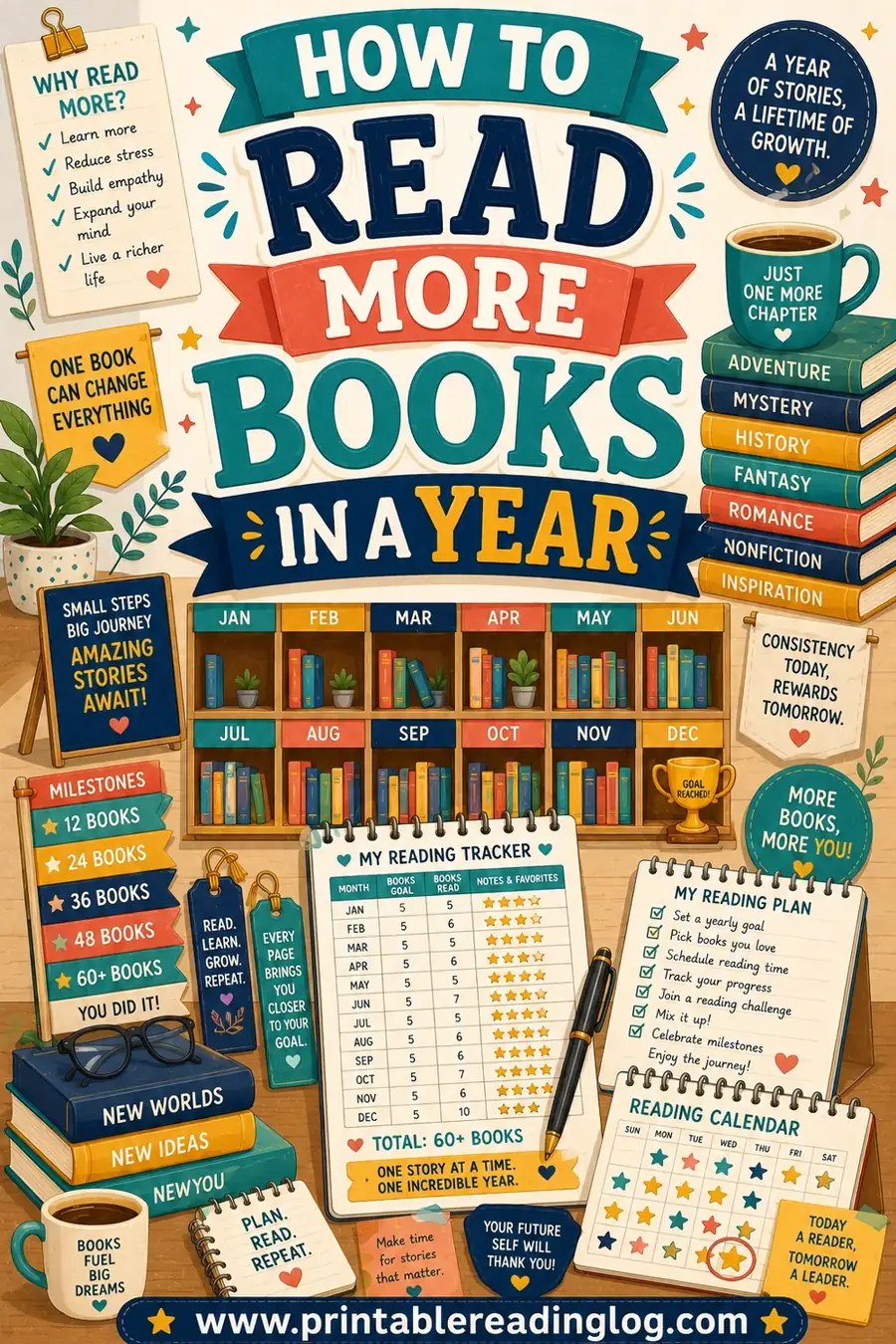
"Read more" is fuzzy. "Read 30 pages a day" is something you can measure and check off. A page goal gives you an obvious daily target and an obvious win when you hit it. For yearly planning, see how to read more books in a year.
It suits confident, older readers
Once a child reads fluently and books have consistent page counts, pages become a satisfying way to track. Older kids, teens, and adults often prefer watching a page count climb over logging minutes. For younger or mixed reading, a reading log by minutes is usually fairer.
How Many Pages Should You Read a Day?
There's no magic number, it depends on the reader and the book. Here's a guide to set a realistic daily page goal.
| Reader | Daily page goal | Notes |
|---|---|---|
| Newer chapter-book readers | 5–15 pages | Short, confidence-building sessions |
| Confident kids (ages 8–11) | 15–25 pages | Enough to finish a book in a couple of weeks |
| Teens | 25–40 pages | Often shaped by assigned reading |
| Adults (light) | 20–30 pages | A steady habit, roughly a book a month |
| Adults (avid) | 40+ pages | A book every week or two |
Match the goal to the reader and the book's difficulty. A dense nonfiction page is slower than a breezy novel page, so adjust when needed. The goal is steady progress, not a race.
What a daily page goal adds up to
Small, steady reading finishes a surprising number of books. Here's the math.
| Daily pages | ~Pages / month | ~Books / year (300 pages each) |
|---|---|---|
| 10 pages | ~300 | ~12 books |
| 20 pages | ~600 | ~24 books |
| 30 pages | ~900 | ~36 books |
| 50 pages | ~1,500 | ~60 books |
Just 20 pages a day, less than most people read on their phone in idle moments, adds up to about two dozen books a year. A page log keeps that progress in front of you.
How to Make a Reading Log by Pages in 4 Steps
You can print your page tracker in just a few minutes.
- Open the reading log maker. It runs right in your browser.
- Choose the by-pages layout. This adds a pages column and a running total.
- Add your details. Set a daily page goal, the number of rows, a title, and a name line if it's for a child.
- Print it. Keep it with your current book so logging is quick.
That's all. To reuse it, print on cardstock or slip it in a sheet protector and use a dry-erase marker.
Sample Reading Log by Pages
Here's what a few filled-in rows look like, so you can picture the finished log.
| Date | Title | Pages today | Page reached |
|---|---|---|---|
| Mon 4 | The Hobbit | 22 | 22 |
| Tue 5 | The Hobbit | 18 | 40 |
| Wed 6 | The Hobbit | 30 | 70 |
| Thu 7 | The Hobbit | 25 | 95 |
| Fri 8 | The Hobbit | 28 | 123 |
Watching the "page reached" column climb is the whole appeal. It turns a long book into a visible, satisfying countdown to the finish.
Reading Log by Pages for Different Readers
The page format flexes to fit lots of readers. Here's how to shape it.
For kids moving into chapter books
Set a small, kind page goal, like 10 pages, so finishing feels achievable. Celebrate when they reach the end of a book, and let the page total be the proof of how far they've come. Keep page goals flexible, since some chapters end mid-page.
For teens and assigned reading
A page log is a lifesaver for school books with a due date. Divide the total pages by the days left and you've got a clear daily target, no last-minute cramming the night before the test.
For adults tackling a TBR pile
Use a page goal to finally finish those big books on your shelf. A modest 20 to 30 pages a night clears intimidating doorstoppers without taking over your evening. Pair it with a reading log by books to track the finished count too.
For families
A shared page log lets everyone track their own current book at their own level. Younger kids might log 10 pages while a parent logs 40, and everyone's progress sits side by side.
Tips to Stick With a Page Log
A few habits keep a page log easy and motivating.
- Note the page you stopped on. Logging "page reached" makes it effortless to pick up exactly where you left off next time.
- Set a goal that fits the book. Slow down for dense reading, speed up for light novels. The goal should serve you, not stress you.
- Total weekly. A weekly page total feels rewarding and shows momentum without making each day a test.
- Don't sweat partial pages. Round to whole pages and keep moving. The log is for encouragement, not accounting.
- Tie a reward to finishing a book. When the running total hits the last page, celebrate, a new book, a treat, a movie night.
Using a Page Log to Beat a Reading Slump
A page log is one of the best tools for breaking out of a reading rut. When you've stalled on a book, the problem often isn't the book, it's the lack of any small, clear next step. A page goal gives you that step. "Just read ten pages tonight" is so specific and so small that it's hard to argue with, and ten pages is usually enough to pull you back into the story.
The running total does the heavy lifting after that. Once you can see the page count climbing again, momentum returns on its own. A book that felt stuck at page 60 for weeks suddenly moves to 90, then 130, and the finish line stops feeling so far away. Visible progress is the antidote to the "I'll never finish this" feeling that kills so many half-read books.
If a book genuinely isn't working, your log makes that clear too. When the same title sits at the same page night after night with no progress, that's a signal, not a failure. Give yourself permission to set it aside and start something you'll actually want to log. A page log should serve your reading, not chain you to a book you've stopped enjoying.
For long, intimidating reads, try working backward from a date. Decide when you want to finish, count the days, and divide the remaining pages between them. Suddenly a 500-page novel becomes "22 pages a night for three weeks," a target that fits into a normal evening. Writing that daily number at the top of your log keeps you honest and turns a vague ambition into a simple, doable plan.
Printing and Reuse Tips
- Print on cardstock for a log that travels in a bag or lives on a nightstand.
- Use a sheet protector to reuse the same sheet for each new book with a dry-erase marker.
- Print a test page to check column widths and margins before a full stack.
- Go black and white to save ink; readers can decorate their own log if they like.
Frequently Asked Questions
What is a reading log by pages?
It's a tracker that records how many pages you read each day, with a running total. Each row holds the date, the title, and the pages read or the page you reached. It's ideal for chipping away at long books and watching steady progress, and the free tool builds one in seconds.
Should I track pages or minutes?
Pages suit confident, older readers and long books, where watching a page count climb is motivating. Minutes are fairer for young kids and mixed reading, since book lengths vary. If minutes fit you better, see our reading log by minutes guide.
How many pages a day should I read?
It depends on the reader and the book. Newer chapter-book readers might aim for 10 pages; confident kids 15 to 25; adults 20 to 40. Just 20 pages a day adds up to roughly two dozen books a year. Pick a number you can hit consistently.
How do I track pages for a book with no page numbers?
For e-books or audiobooks without clear pages, a reading log by minutes or a percentage-complete note works better. For print books, just log the page number you stopped on each day.
Can I make a reading log by pages for free?
Yes. The reading log maker is free with no sign-up and no watermark. Choose the by-pages layout, set your goal, and print as many copies as you need at home.
What's the best way to finish a long book with a page log?
Divide the total pages by how many days you want to spend, and that's your daily goal. Log the page you reach each night so you always pick up in the right spot. Steady, small sessions beat occasional marathon ones for finishing big books.
Ready to Build Your Page Reading Log?
Tracking by pages turns long books into steady, satisfying progress you can see. Open the free reading log maker, pick the by-pages layout, and print a clean sheet today. Set a daily page goal, log the page you reach, and watch the total climb toward the finish. Happy reading.