How to Log Audiobooks: A Simple Tracking Guide
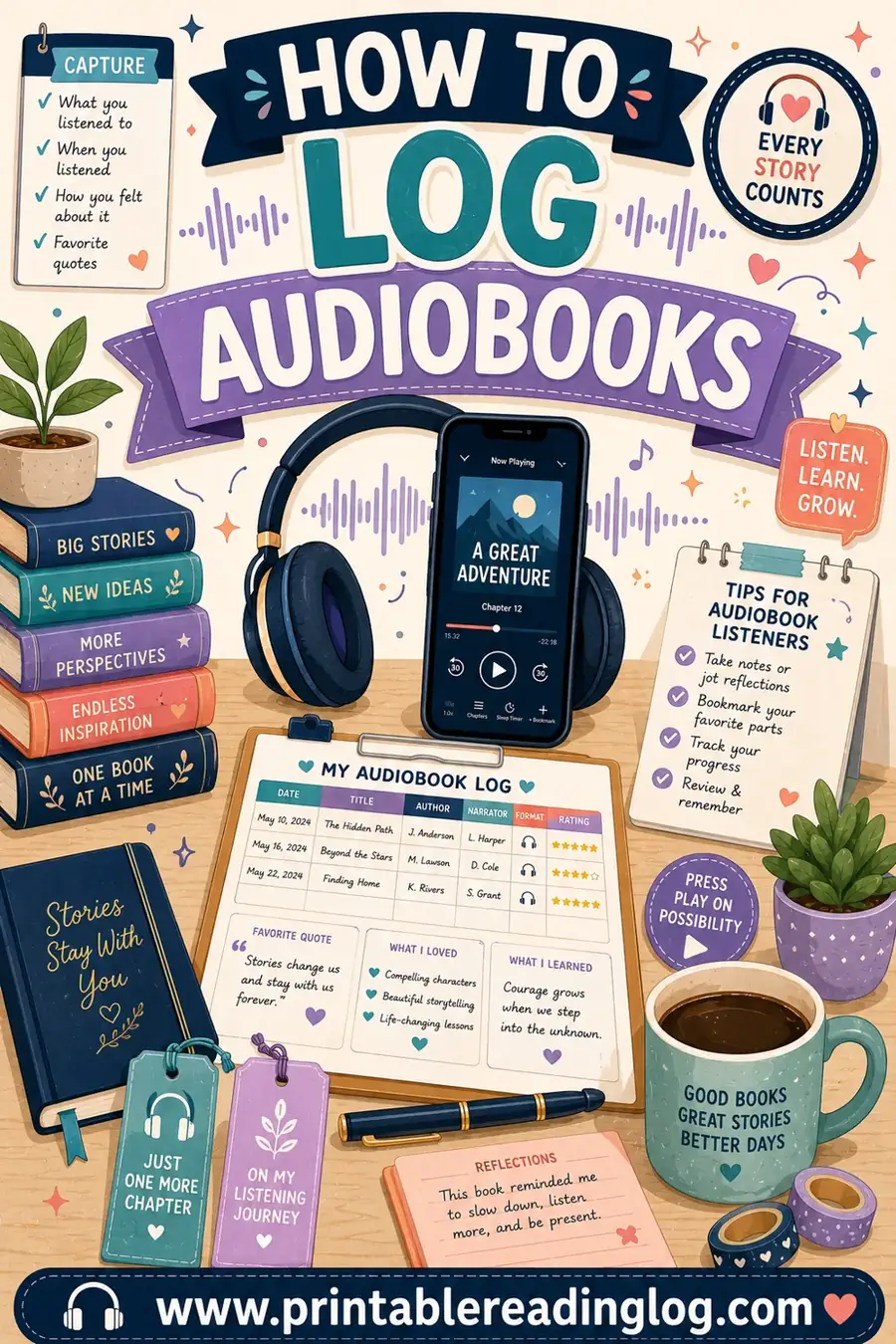
To log audiobooks, record the same details you would for any book, plus a couple of listening-specific ones: the title, author, narrator, length in hours, the date you finished, and a quick rating. Tracking listening hours instead of pages lets all those commutes, walks, and chores count as books you've "read." The easiest way to set this up is with a free printable reading log, relabeled so the columns fit narrators and hours.
Want to start logging your listens today? Open the free log builder, swap a couple of column headers, and print a sheet to keep by your desk or in a planner. No app, no account, no cost.
Why Log Audiobooks at All?
Audiobooks have a sneaky problem: they disappear. You finish one on a long drive, start another the next week, and a few months later you can't remember what you've listened to or what you thought of it. A log fixes that by turning fleeting listens into a record you can actually look back on.
Logging audiobooks gives you a few real wins:
- They count as reading. Listening builds vocabulary, comprehension, and a love of stories. Logging them means your "read" pile finally reflects all that time.
- You remember what you finished. No more buying or borrowing a book you already heard.
- You hit your goals. Audiobooks can carry you to a yearly reading target during seasons when sitting down with a print book is impossible.
- You find your favorite narrators. Track who narrated each book and you'll start chasing the voices you love.
If you commute, walk the dog, cook, or do chores, you're racking up serious listening time. A log makes sure all of it shows up as books read.
What to Track in an Audiobook Log
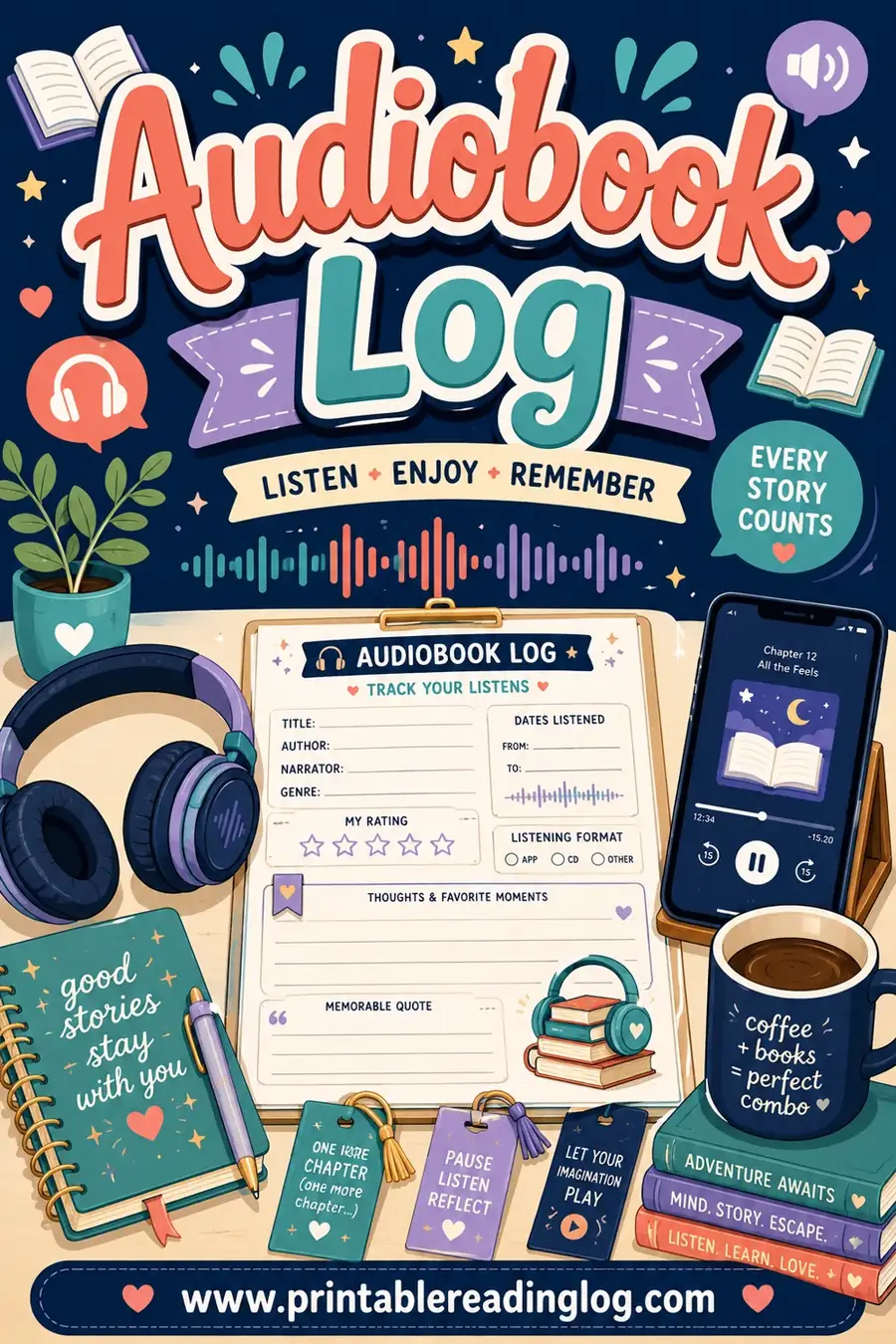
An audiobook log is a regular reading log with two or three tweaks. You want the usual book details plus a few that only matter for listening.
Here's what's worth recording:
- Title and author. The basics. Who wrote it.
- Narrator. The big audiobook-specific field. A great narrator can make or break a listen.
- Length in hours. Audiobooks are measured in hours, not pages. This is your unit of progress.
- Date started and finished. Handy for long books you chip away at over weeks.
- Listening speed. Optional, but if you listen at 1.5x or 2x, noting it helps you understand your real pace.
- Rating and notes. A star rating plus a line about the story or the narration.
- Source. Library app, a subscription, or purchased, so you know where to find it again.
Not every field is essential. At a minimum, log the title, narrator, hours, and a rating. Add the rest only if it's useful to you.
Audiobook log columns at a glance
| Column | Why it helps |
|---|---|
| Title & author | Identifies the book |
| Narrator | Tracks who you love to listen to |
| Hours | Your main progress measure |
| Date finished | Builds a timeline of your year |
| Speed | Reveals your true listening pace |
| Rating | Quick judgment for future picks |
| Source | Where to find or re-borrow it |
Start with the columns that matter to you and ignore the rest. The best log is the one you'll actually keep filling in.
Hours vs. Pages: How to Measure Progress
The biggest question with audiobooks is how to count them toward a reading goal. You've got three solid options, and the right one depends on what motivates you.
- Count by book. Simplest of all. One finished audiobook equals one book read. Perfect if your goal is "read 30 books this year."
- Count by hours. Track total listening hours, like a reading-by-minutes approach. Great for measuring the time you put in, especially if you listen to many short books or quit some partway.
- Convert hours to pages. Roughly, one hour of audio equals about 40 to 50 pages of print. Useful if you log audio and print together and want one combined page count.
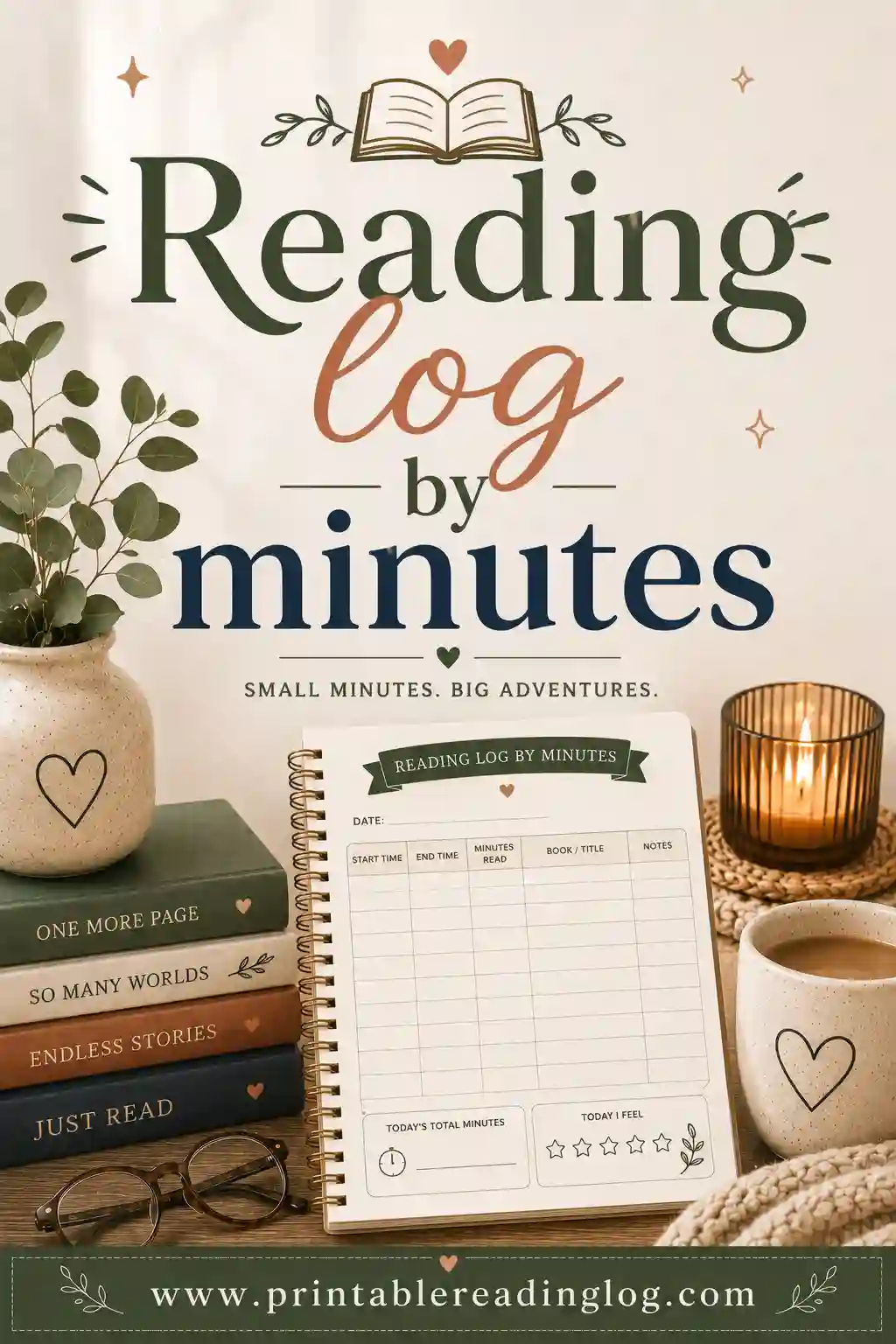
Most people are happiest counting by book or by hours. If you already track print reading in minutes, hours slot right in. Our reading log by minutes guide pairs perfectly with audiobooks, since listening time is just reading time in a different format.
Rough audio-to-page conversion
| Audiobook length | Approx. print pages |
|---|---|
| 4 hours | 160–200 pages |
| 6 hours | 240–300 pages |
| 8 hours | 320–400 pages |
| 10 hours | 400–500 pages |
| 12 hours | 480–600 pages |
Treat these as ballpark figures. Reading speed in print varies, and narration speed varies too, so the conversion is a guide, not a law.
How to Set Up Your Audiobook Log in 4 Steps
Building an audiobook log takes about five minutes. You're really just relabeling a standard reading log for listening.
- Pick a layout. Choose a printable reading log with enough columns. A wider, table-style layout suits all the audiobook fields.
- Rename two columns. Change "pages" to "hours" and add a "narrator" column. That's the core of the audiobook tweak.
- Print and place it. Keep it where you'll see it: a desk, a fridge, or a planner. Visibility keeps the habit alive.
- Log as you go. Jot the title and narrator when you start, then add hours, date, and rating when you finish.
That's the whole setup. If you'd rather skip the relabeling, our ready-made audiobook log already has the narrator and hours columns built in, so you can print and go.
Tips for Logging Audiobooks the Easy Way
A log only helps if you keep it current. A few habits make that effortless.
- Log right when you finish. The details are freshest the moment you tap "done." Don't wait until the weekend.
- Note the narrator every time. It's the field people skip and later wish they'd kept. Great narrators are worth chasing.
- Track your speed honestly. If you listen at 1.75x, your "hours" are really fewer clock hours. Note the speed so the number means something.
- Count DNFs too. Did-not-finish audiobooks still taught you something. Log them with a quick note on why you stopped.
- Round the hours. No need to be precise to the minute. "About 9 hours" is fine.
The goal is a log that's quick to fill in, because a quick log is a log you'll keep. Don't make it so detailed that updating it feels like a job.
Audiobook Logs for Different Listeners
The same basic log flexes to fit how you listen and why.
- Goal-driven readers. Tracking toward a yearly target? Count by book and let audiobooks pad your total during busy stretches. Pair it with a reading log for adults to combine print and audio.
- Time trackers. If you care about hours spent, log by hours and watch the total climb. Satisfying, and it captures the real effort.
- Kids and families. Audiobooks are fantastic for car rides and bedtime. Log them with a simple star rating so kids see their listens count.
- Narrator fans. Some listeners pick books by who reads them. A narrator column turns your log into a personal recommendation list.
Whatever kind of listener you are, the log adapts. Add a column you care about, drop one you don't, and make it yours.
Rate Your Audiobooks (Story and Narration)
Here's a tip unique to audio: rate the narration separately from the story. A five-star book with a flat narrator can feel like a three-star listen, and a so-so story can shine with the right voice. Tracking both saves you from blaming a book for a narrator's miss.
A simple two-rating system works well:
- Story rating. How much you loved the actual book, out of five.
- Narration rating. How well the narrator brought it to life, out of five.
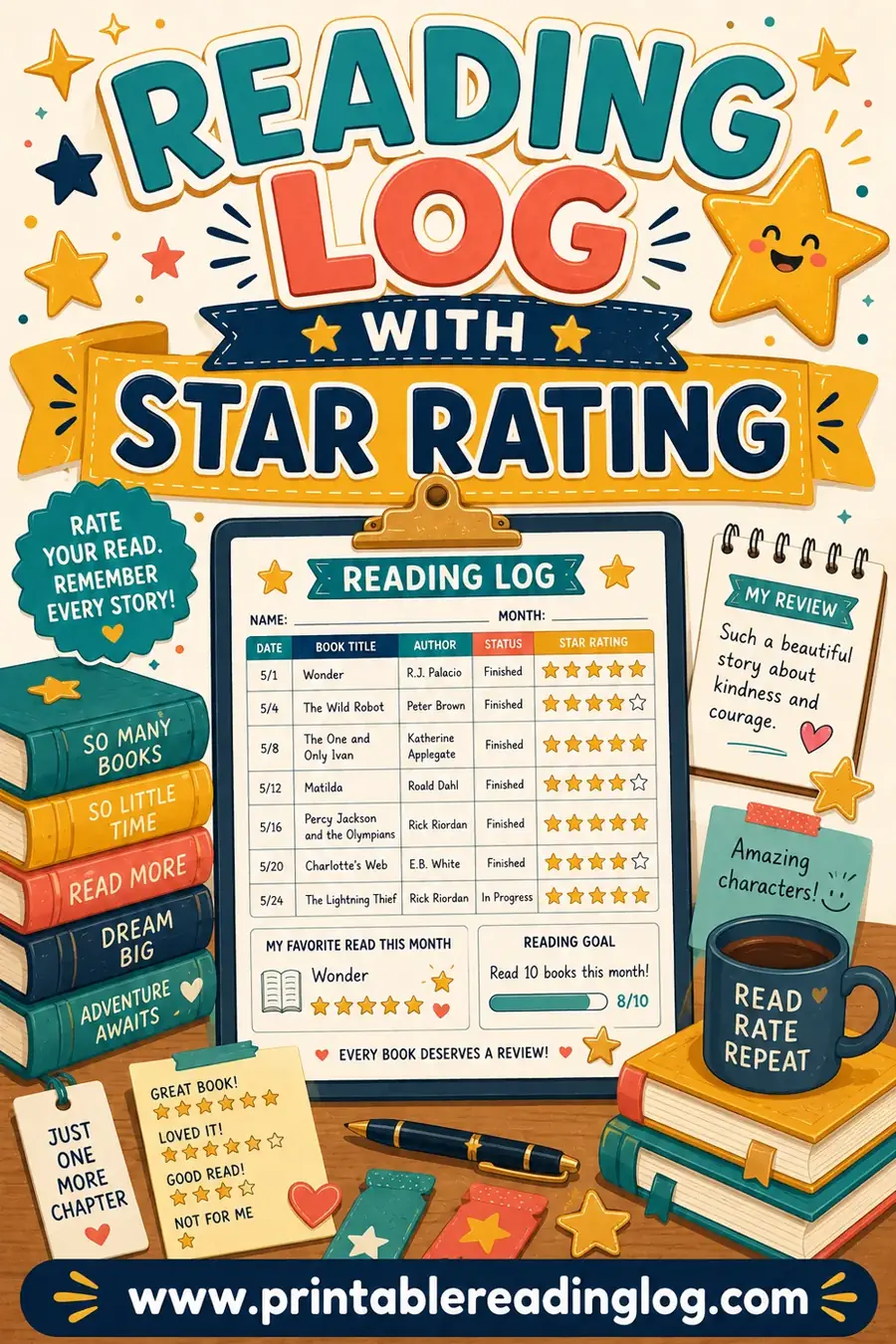
Over time, the narration column becomes a cheat sheet. You'll spot the readers whose voices you'd follow into any genre, and you'll know to check a book's narrator before you commit ten hours. A reading log with a star rating gives you a clean place to record both.
Frequently Asked Questions
How do I log an audiobook?
Record the title, author, narrator, length in hours, the date you finished, and a quick rating. The key audiobook-specific fields are the narrator and the hours, since audiobooks are measured in time rather than pages. A printable reading log relabeled for hours and narrators works perfectly.
Do audiobooks count as reading?
Yes. Listening to audiobooks builds vocabulary, comprehension, and a love of stories, just like reading print. Most readers count a finished audiobook as a book read. Logging them ensures all your listening time during commutes and chores shows up in your totals.
Should I track audiobooks by hours or pages?
Either works. Count by book for simplicity, by hours if you want to measure listening time, or convert hours to pages using a rough estimate of 40 to 50 pages per hour. Choose whatever matches your reading goal and keeps you motivated.
What's the best way to track audiobook narrators?
Add a narrator column to your log and fill it in every time. Over months, this builds a personal list of voices you love, so you can pick future books by narrator. Many listeners find a great narrator makes or breaks the whole audiobook.
How many pages is an hour of audiobook?
Roughly 40 to 50 pages of print equals about one hour of audio, though it varies with reading speed and narration pace. So a 6-hour audiobook is around 240 to 300 pages. Use this only as a ballpark if you want to combine audio and print into one page count.
Can I use a regular reading log for audiobooks?
Yes. Just relabel a couple of columns: change "pages" to "hours" and add a "narrator" field. That's all it takes to turn a standard printable reading log into an audiobook log. Or use a ready-made audiobook log that already includes those columns.
Start Logging Your Audiobooks Today
Now you know exactly what to track and how to count your listening time. The next step is to set up a sheet and start filling it in. Open the free reading log builder, relabel the columns for hours and narrators, and print a log to capture every audiobook you finish. It's free, there's no sign-up, and all those listening hours will finally count as books read. Happy listening.