How to Track Library Books and Due Dates (Without Losing One Again)
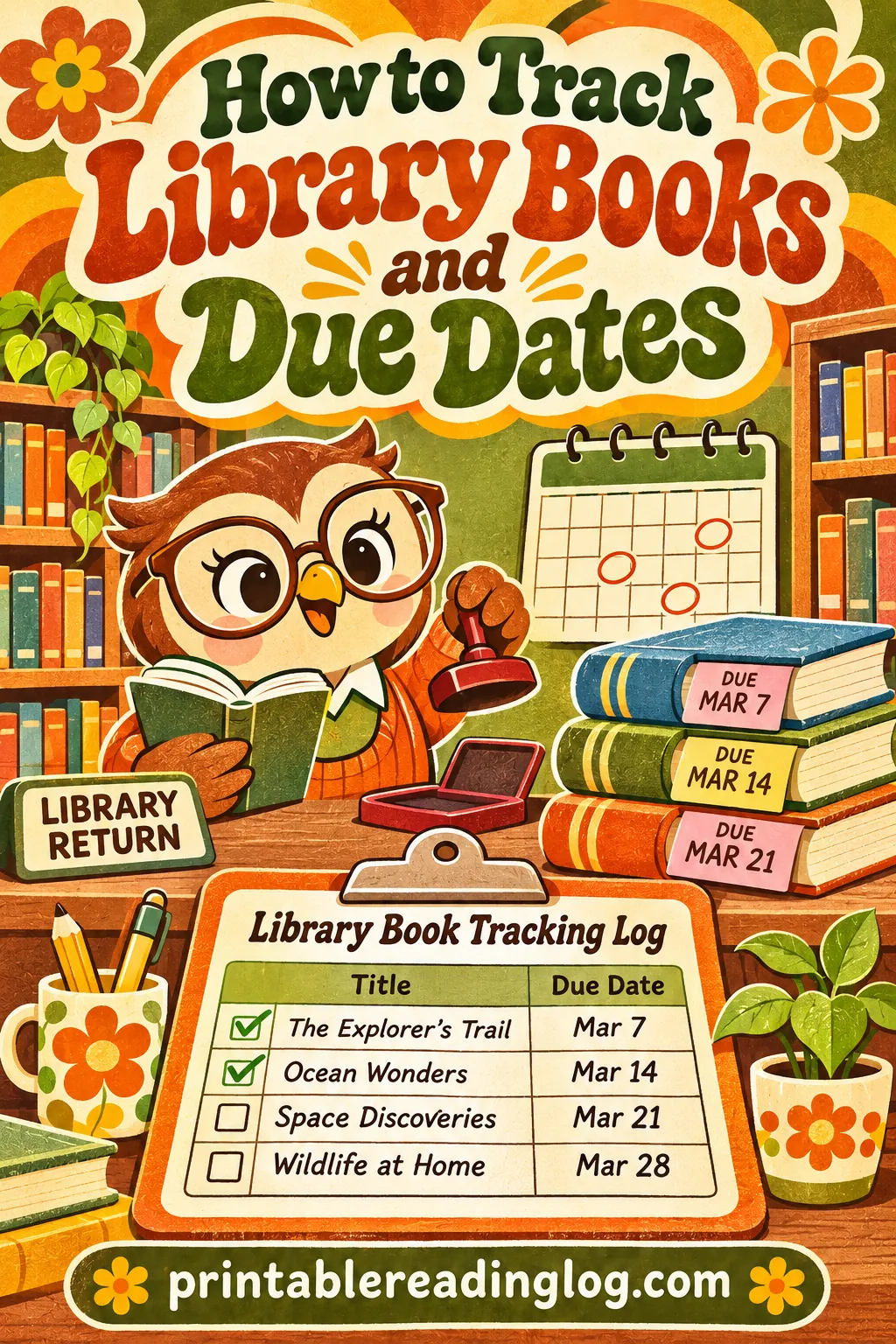
The easiest way to track library books is to write every book on one log the moment you get home, with its due date beside it and a box you tick only when the book is back on the library's shelf. Keep that log in one fixed spot, check it once a week, and you'll stop losing books and stop paying for surprises.
You can make that log in a couple of minutes with the free printable reading log maker. It doesn't have a column called "due date," so below you'll see exactly which columns to turn on and how to relabel one by hand. You'll also get a weekly routine, a home system for the books themselves, a plan for families with several library cards, and a troubleshooting table for the moments things still go sideways.
▶ Open this reading log ready to print
Why Library Books Go Missing (and Why Fees Sneak Up)
Library books rarely vanish in some dramatic way. They drift. One ends up under a car seat, one gets packed into a grandparent's overnight bag, one sits on a bedroom floor under a pile of laundry, and the due date passes while everybody assumes somebody else has it.
Here are the usual culprits:
- No single list. Your library account knows what you have out, but you don't look at it until a reminder shows up, and reminders are easy to miss.
- Too many places to put books. Kitchen counter, nightstand, backpack, car, couch. Every spot is a possible hiding place.
- Several cards in one house. A parent's card, two kids' cards and a teen's card means four sets of due dates that never line up.
- Big hauls. A library haul of 20 picture books feels like one thing, but it's 20 separate items that each need to come back.
- Different loan lengths. New releases, DVDs, magazines and interlibrary loans can each have their own loan period and renewal rules.
- Holds you can't renew. When someone else has a book on hold, you often can't extend it, and that's when it turns overdue.
Late fees and replacement charges vary a lot from library to library. Some libraries have dropped overdue fines entirely, some still charge them, and almost all of them charge something if a book is lost or damaged. Overdue items can also block you from borrowing until they're returned. Check your own library's policy page or ask at the desk so you know what's at stake where you live.
The fix isn't remembering harder. It's a borrowed books list that lives on paper, in one place, where everyone in the house can see it.
What a Library Book Log Needs (and What It Doesn't)
A good library due date tracker is short. If it takes more than 20 seconds to log a book, you'll skip it on busy days, and busy days are exactly when books get lost.
Here's what each column does and whether you need it.
| Column | What you write | Do you need it? |
|---|---|---|
| Title | Short title, enough to recognize the book | Yes |
| Whose card | A name or initials, if more than one card | Yes for families |
| Date borrowed | The day you checked it out | Helpful |
| Due date | The date stamped on your receipt | Yes, the most important one |
| Returned | A box you tick when it's back | Yes |
| Renewed | A note like "R1" with the new date | Helpful |
| Author | Only if you want a record of what you read | Optional |
| Rating or notes | A quick reaction for later | Optional |
| Format | Book, DVD, audiobook CDs, magazine | Helpful for mixed hauls |
The three that matter most are title, due date and returned. Everything else is a bonus. If you only add one more, make it "whose card" in a family, or "renewed" if you renew a lot.
Why paper beats the reminder email
Library reminder emails and texts are useful, and you should keep them turned on. But a reminder only tells you what's due. It doesn't tell you where the book is, which kid had it last, or which of the three cookbooks is the one going back on Friday. A printed log on the fridge or by the door does all of that at a glance, and it's visible to everyone, not just the person who owns the email account.
The two work best together. Let the library remind you, and let the log tell you what to grab.
How to Make Your Library Book Log in the Free Tool
Open the free reading log maker and set it up like this. It takes about two minutes, and you can print as many copies as you like.
- Start with a preset. Choose Adult Yearly for a grown-up's list, or Kids if this log will hang at a child's height. Either one is just a starting point; you'll change the columns next.
- Reader name. Type your family name ("The Garcia Library Books") or a single reader's name if each person gets their own sheet.
- Reading goal. You can leave this blank, or use it for something fun like "Return everything on time."
- Log style. Pick Adult-clean for a tidy fridge sheet, or Kid-friendly for kids who'll tick their own boxes.
- What are you logging? Choose Books.
- Color theme. Any of them works. Bright themes like Sunshine or Sky are easy to spot on a busy fridge.
- Columns. Turn on Title, Initials (P/T), Date started, Date finished and Notes. Turn off the rest unless you want them.
- Rows per page. Pick a higher number if you bring home big stacks. Families with picture-book hauls usually want the most rows that still leave room to write.
- Paper. Choose Letter or A4 to match your printer, and Landscape so the Notes column has more room.
- Click 🖨️ Print / Save PDF.
How to relabel the columns by hand
Because the tool is a reading log first, a couple of column names won't match your library use. That's fine. Grab a pen and relabel them on the printed sheet, or use the columns like this without relabeling:
| Printed column | Use it as | Example entry |
|---|---|---|
| Title | Title | Peter Rabbit (short is fine) |
| Initials (P/T) | Whose card | M, J, or Mom |
| Date started | Date borrowed | 11/2 |
| Date finished | Due date (cross out the heading and write DUE) | 11/23 |
| Notes | Returned box, renewals, where it lives | ☐ back · R1 12/14 · in car bin |
Write DUE in big letters above the Date finished column before you hang the sheet. You'll only do it once per page, and it turns the whole column into your due date tracker.
If you'd rather keep "Date finished" for the day you finished reading, put the due date in Notes instead. Either way works. What matters is that the due date sits on the same line as the title, in your handwriting, where you'll see it.
Draw a returned box
In the Notes column, draw a small square at the start of each line before you write anything else. That square is your returned box. You tick it at the library, or right after the book drops into the return slot. Not when you set the book by the door. Not when you put it in the car. Only when it's actually back.
That one rule is what makes the log trustworthy. A ticked box always means "the library has it."
The 30-Second Check-In Routine
A log only works if it gets filled in the day the books come home. Build that into the trip itself.
When you get home from the library
- Put the bag down next to the log, not on the couch.
- Pull out your checkout receipt, or open your library account on your phone.
- Write each item on its own line: title, whose card, today's date, due date.
- Draw the empty returned box.
- Put every book in the library bin or basket (more on that below).
- Tuck the receipt behind the log with a magnet or clip.
That's it. For a stack of eight books, this takes a few minutes. For one or two books, it's under a minute.
If you don't get a receipt
Many libraries offer a paper receipt, an email receipt, or both. If you skipped the receipt, log in to your library account and copy the due dates from there. If you borrowed at a self-checkout and didn't print anything, look at the screen before you leave, or ask the desk to print your list. It's a normal request.
Group your due dates
If everything from one trip is due on the same day, you don't need to write the due date eight times. Draw a bracket down the side of those eight lines and write the due date once, large, beside it. A big bracketed date is easier to spot than eight small ones.
When items from one trip have different loan periods, such as a new release with a shorter loan, write that one's date separately and circle it. Short-loan items are the ones most likely to sneak past you.
Give Library Books One Home in the House
The log tells you what's out. A single home for the books tells you where they are. Put the two together and lost library books become rare.
Pick a library bin
Choose one container that holds only library books: a basket, a canvas tote, a plastic bin, a shelf in the entryway. Rules for the bin:
- Library books live there when nobody's reading them. Finished a chapter? Book goes back in the bin.
- Nothing else goes in it. No toys, no mail, no books you own. If your own books mix in, you'll return the wrong ones or hunt for the right ones.
- It sits near the log. If the log is on the fridge, the bin is in the kitchen. If the log is by the door, the bin is by the door.
For kids, this matters even more. A child can't keep track of a due date, but a child can learn "library books sleep in the blue basket."
Label the bin and the bag
Write "LIBRARY" on a piece of tape and stick it on the bin. Do the same for one tote bag that only goes to the library. When the bag comes home, it gets emptied straight into the bin, and the empty bag hangs on the door, ready for the next trip.
Make a car rule
Cars swallow library books. Seat pockets, trunk corners and the gap under a booster seat are classic hiding spots. If your family reads in the car, add a small car bin and write "car bin" in the Notes column for books that travel. On return day, the car bin is the first place you check.
Use the Notes column as a location tracker
When a book leaves the bin for a while, such as going to school, Grandma's house or a sleepover, jot the place in Notes: "at school," "Grandma's," "in backpack." When it comes back, cross out the note. It's a tiny habit, and it saves the 20-minute house search the night before a book is due.
Weekly Check, Renewals and Return Day
The 5-minute weekly check
Pick one day a week for a quick check. Sunday evening works for a lot of families because it sets up the school week, but any regular day is fine.
Here's the checklist:
- Scan the due date column. Circle every date in the next seven days.
- Count the books in the bin. Compare with the number of unticked lines on the log.
- Find the missing ones now. If the bin has six and the log says eight, look today, while you still have a week.
- Renew what you need. For anything due this week that you're still reading, log in and try to renew. Write the new date in Notes with "R1" for the first renewal, "R2" for the second.
- Bag what's going back. Put finished books due this week into the library tote, and hang the tote on the door.
- Plan the trip. Decide which day you'll drop them off, and add it to your calendar or the family whiteboard.
Five minutes, once a week, catches nearly every problem while there's still time to fix it.
What to do with the circled dates
Circled dates are your "this week" list. If you keep a family calendar, write "library return" on the earliest circled date. If several books are due on different days this week, return them all on the earliest day. One trip is easier than three, and returning a book a few days early costs you nothing except reading time, which you can get back by borrowing it again.
Renewals and holds
Renewing is usually simple, but a few rules trip people up.
How renewals usually work
Most libraries let you renew online, by phone or at the desk, and many allow more than one renewal. But the details vary:
- Holds can block renewal. If another patron has requested the book, you may not be able to renew it.
- Some items can't be renewed. New releases, interlibrary loans and some special collections often have stricter limits.
- Some libraries auto-renew. If yours does, it may renew items for you when they're eligible, and send a notice if it can't.
- Renewal limits exist. There's often a cap on how many times one item can be renewed.
Your library's website or the circulation desk will tell you the exact rules. Ask once, write the answer on a sticky note on the back of your log, and you won't have to wonder again.
Log renewals so you don't confuse yourself
A renewed book is where logs get messy. The fix: don't erase the old due date. Cross it out with one line and write the new date in Notes with a renewal number.
| Situation | What to write | Why |
|---|---|---|
| First renewal | Cross out old date, "R1 12/14" in Notes | You can see it's been renewed once |
| Second renewal | "R2 1/4" next to R1 | Shows you're near the limit |
| Renewal refused (hold) | "HOLD, must return by 12/3" | Reminds you there's no more time |
| Auto-renewed | "Auto R1 12/14" | Confirms the library did it, not you |
| Returned early | Tick the box, write the return date | Proves it's back if questions come up |
Return day checklist
Before you leave for the library:
- Check the bin and the tote against every unticked line due soon.
- Check the car bin, backpacks and nightstands for any stragglers.
- Count the books into the tote out loud with the kids. It turns into a small game and catches mistakes.
- Bring the log, or snap a photo of it, so you can tick boxes at the library.
At the library, tick each box as the book goes into the slot or across the desk. If you use an outside drop box, tick them right there in the parking lot. Some families like to wait until the item disappears from their library account before ticking, which is the safest method of all.
Tracking Library Books for a Family With Several Cards
When everyone in a house has their own library card, due dates multiply. There are three good ways to handle it.
Option 1: One shared log with an initials column
This is the simplest setup for most families. Every book goes on the same sheet, and the Initials (P/T) column tells you whose card it's on. Write "M" for Mom, "D" for Dad, "A" and "L" for the kids, or whatever initials fit.
Why it works: one sheet, one place to look, one weekly check. When it's time to return, you take everything regardless of whose card it's on.
Watch out for one thing: some libraries track fees per card, and kids' cards may have their own rules. The initials column means you'll always know which account a book belongs to if there's a question.
Option 2: One log per reader
Each person gets their own sheet, made in the free tool with their own name in Reader name. This works better when:
- Older kids are learning to manage their own borrowing.
- Each reader uses the log as a reading record too, with ratings and notes.
- A teen reads a lot and has a long list of their own.
Hang the sheets side by side, or clip them together on one clipboard. The weekly check becomes "everyone check your own sheet," which builds responsibility for older kids.
Option 3: Color by person
If you print one shared log, give each reader a highlighter color and run it across their lines. You can also print separate sheets in different color themes in the tool (Classic, Sky, Blush, Mint, Sunshine) so each child has their own color. Kids pick up "my books are the green ones" faster than any initials system.
Setups by family size
| Household | Best setup | Where to hang it |
|---|---|---|
| One adult reader | One sheet, Adult Yearly preset, no initials column | Inside a cabinet door or by the door |
| Couple | One shared sheet with initials | Fridge |
| Parent plus one or two young kids | One shared sheet, Kids preset, large rows | Fridge at kid height |
| Three or more readers | One sheet per reader in different colors | Clipboard by the library bin |
| Homeschool family with big hauls | Shared sheet with lots of rows, plus a separate sheet for school borrowing | Near the school shelf |
Library Haul Tips: Big Stacks, Kids and Picture Books
A library haul is half the fun of going. It's also the moment most likely to produce a lost book. Twenty picture books are lighter than one novel, but they're 20 separate things to bring back.
Cap the haul at what fits in the bin
Here's a simple rule that helps: the haul can be as big as the library bin. If the bin is full, it's time to return something before borrowing more. Kids accept this rule well because it's about the basket, not about you saying no.
Count, write, count again
For big stacks, have kids help:
- Lay the books out on the floor in a row.
- Count them together.
- Write each title on the log while a child reads it out (younger kids can just hold up each book).
- Count the lines on the log. The numbers should match.
- Into the bin they go.
Writing short titles keeps this quick. "Peter Rabbit," "Dinosaur facts," "Bear story with the red cover" are all fine. The log just needs to help you find the book, not catalog it.
Write the total at the top
At the top of each haul, write the total in a circle: "18 books, due 12/2." On return day, you're counting toward 18. That single number catches the missing book faster than reading every line.
Use the log for reading, too
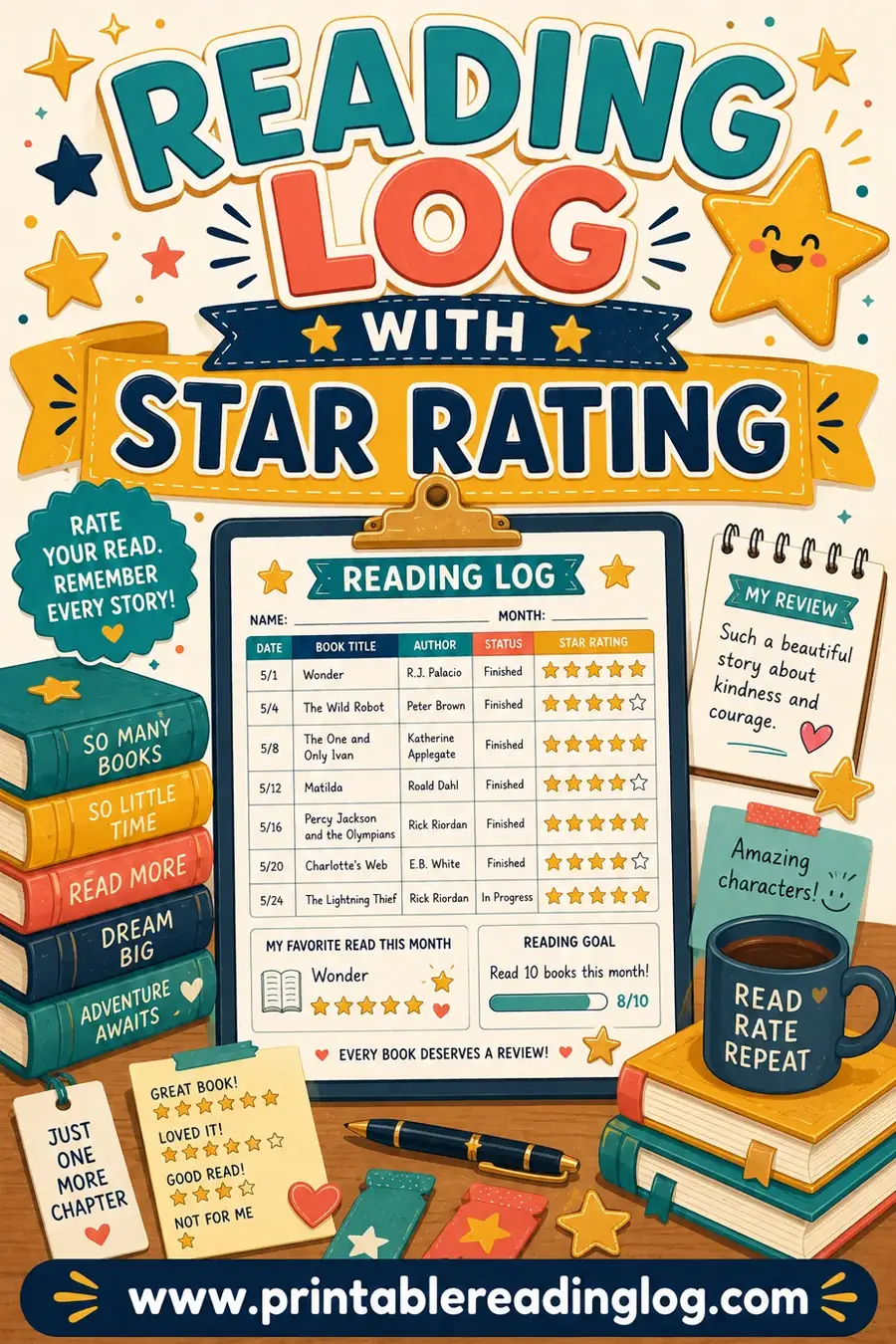
The nice thing about using a reading log instead of a plain checklist is that it does double duty. The same sheet that tracks due dates also shows what your family read. Turn on Star rating in the tool if your kids like to rate books, or use the Kids preset with Smiley rating style so little ones can circle a face. At the end of the month, you've got a library book log and a reading record in one.
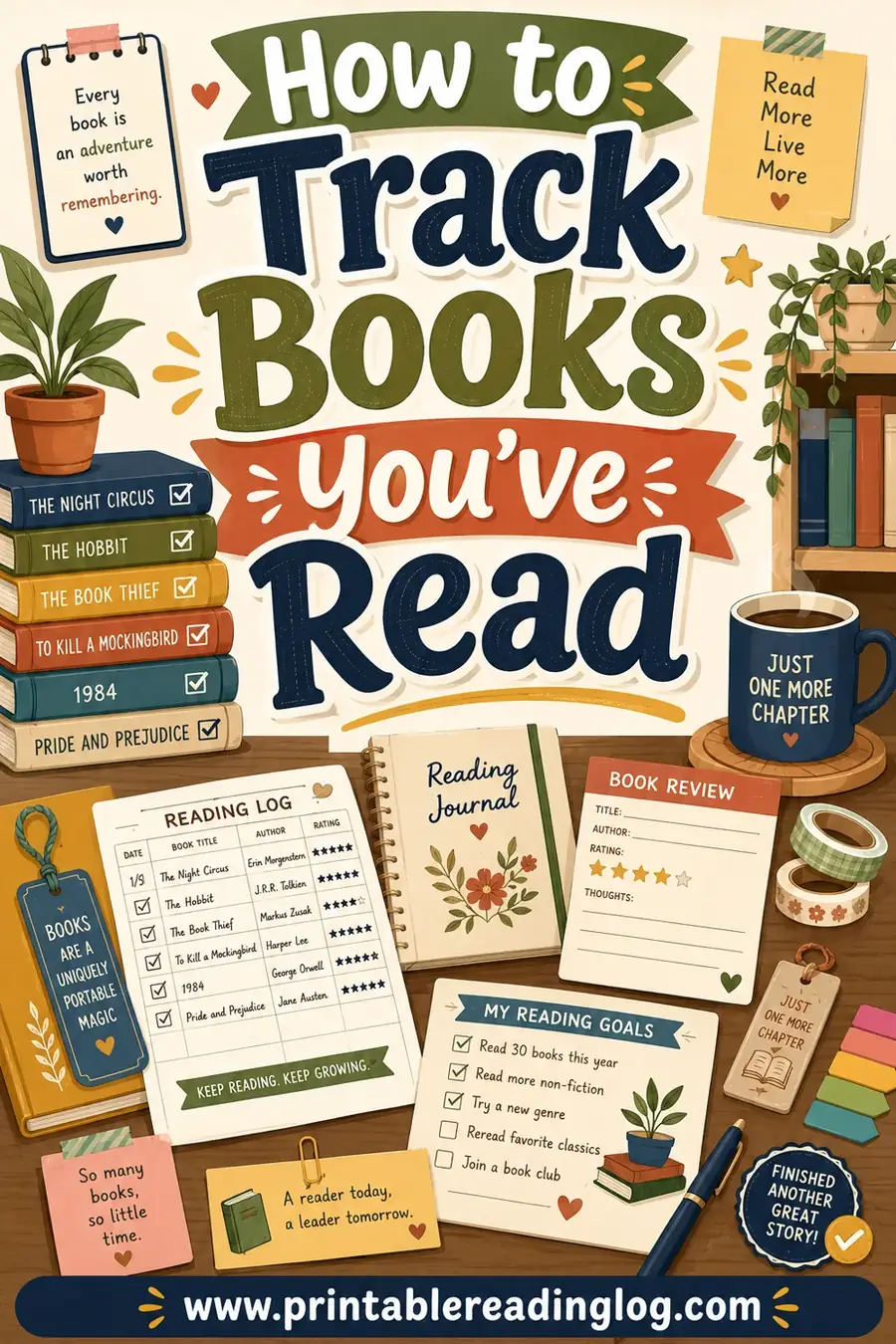
If you want a deeper look at keeping a record of everything you've read (beyond due dates), see how to track books you've read.
Teach kids to own their books
Kids who are old enough to read the calendar can take on part of the job:
- Ages 3 to 5: Put books in the bin. Help count on return day.
- Ages 6 to 8: Tick their own returned boxes. Find their own books during the weekly check.
- Ages 9 to 12: Write their own lines on the log. Check their own due dates on Sundays.
- Teens: Keep their own sheet and handle their own renewals.
Each step is small. Over a few months, you'll find you're doing less and less of the tracking.
Other Things to Track: DVDs, Audiobooks, Ebooks and Interlibrary Loans
Libraries lend a lot more than books, and these items often have shorter loans or different rules. Put them on the same log so nothing slips.
| Item | What to note | Tip |
|---|---|---|
| DVDs and Blu-rays | Shorter loan in many libraries, number of discs | Write "2 discs" in Notes and check the case before returning |
| Audiobooks on CD | Number of discs in the case | Count discs; a missing disc can mean a replacement charge |
| Book plus CD kits | Each part listed | Write "book + CD" so you return both |
| Magazines | Issue date or month | Often a short loan with no renewal |
| Interlibrary loans | Lending library, strict due date | Circle the date; renewals can be limited |
| Museum or park passes | Pickup and return date | Many are short loans, so return promptly |
| Ebooks and e-audiobooks | Usually return themselves | Log them for your reading record, no returned box needed |
Digital loans usually expire on their own, so there's nothing to lose and no return trip. You might still want them on your log as a reading record, or so you remember to place a new hold when one expires before you finish. If you listen a lot, the audiobook log has a layout built around listening time.
Things in cases: always open them
The most common surprise on return day isn't a missing book. It's an empty DVD case or an audiobook case with one disc still in the car player. Before anything with a case goes in the tote, open it and check. Make it part of the return-day checklist.
Troubleshooting: When a Library Book Is Missing or Late
Even with a great log, things happen. Here's what to do.
| Problem | What to do first | Then |
|---|---|---|
| Can't find a book | Check the car, backpacks, under beds and couch cushions, guest rooms | Ask the library about their lost-item policy before you pay; some give extra time |
| Book is overdue | Return it as soon as you can | Check your account; ask at the desk if a fee seems wrong |
| Book got damaged | Bring it back and tell the desk honestly | Ask what happens next; policies differ |
| You returned it but the account still shows it | Write the return date on your log | Ask the desk to check the shelves; your log shows when you returned it |
| A book shows up after you paid for it | Bring it back | Ask whether a refund or credit is possible under their policy |
| Can't renew because of a hold | Finish fast or return now | Put yourself on the hold list to borrow it again later |
| Too many due dates to keep straight | Return everything on one day each week | Line up future checkouts so they come due together |
| Kids keep losing books | Shrink the haul and add a kids-only bin | Have kids tick their own boxes |
Be kind to yourself and to the library
Library staff deal with late and lost books every day. If something goes wrong, the best approach is to be honest and ask what your options are. Many libraries would rather have the book back than collect anything at all, and they usually have a process for situations like a book that turns up later.
Line up your due dates
One trick that cuts down on chaos: go to the library on the same day of the week every time. If your library uses a fixed loan period, regular visits mean everything comes due on that same weekday. You end up with one return day instead of five, and the log only needs one big date per trip.
Printable Log Setups You Can Copy
Here are four ready-to-use setups. Pick the one that sounds like your house, make it in the reading log maker, and print it today.
The fridge sheet (whole family)
- Preset: Kids (or Adult Yearly if all readers are older)
- Log style: Kid-friendly
- What are you logging? Books
- Columns: Title, Initials (P/T), Date started, Date finished, Notes
- Color theme: Sunshine
- Rows per page: as many as still leave room to write
- Layout: Landscape
- By hand: write DUE over Date finished, draw returned boxes in Notes
The solo adult reader
- Preset: Adult Yearly
- Log style: Adult-clean
- Columns: Title, Author, Date started, Date finished, Star rating, Notes
- Color theme: Classic
- Layout: Portrait
- By hand: use Date finished as DUE; use Notes for renewals and a returned box
- Bonus: turn on "Books I want to read next" and list books to put on hold
The young child's own log
- Preset: Picture books
- Log style: Kid-friendly
- Columns: Title, Date finished (as DUE), Star rating
- Rating style: Smiley
- Color theme: child's choice
- Bonus: turn on the coloring strip and the goal-tracker bar with 25 squares so they color one square per book returned on time
The homeschool big-haul sheet
- Preset: By pages (or Weekly log if you rotate books weekly)
- Log style: Adult-clean
- Columns: Title, Genre, Initials (P/T), Date started, Date finished, Notes
- Color theme: Mint
- Rows per page: the maximum
- By hand: use Genre for subject (science, history, read-aloud) so you know which books belong to which lesson
For more ideas on how libraries and families use these sheets, see the reading log for libraries page and the reading log by books layout. If you like the idea of skipping apps altogether, here are the best ways to track books without an app.
Ready to stop losing library books?
Make your sheet in the free printable reading log maker, relabel one column as DUE, and hang it next to a single library bin. Log every book the day it comes home, check it once a week, and tick the box only when the book is truly back. That's the whole system, and it holds up even in a busy house.
▶ Open this reading log ready to print
Frequently Asked Questions
What's the easiest way to track library books?
Write every book on one paper log the day you borrow it, with the due date on the same line and a box to tick when it's returned. Keep the log in one place, like the fridge, and keep the books in one bin nearby. A five-minute check once a week catches problems before they turn into late books.
Does the printable reading log have a due date column?
Not by name. The easiest workaround is to turn on the Date finished column and write DUE above it on the printed sheet, or to write the due date in the Notes column. Either way, the due date sits right next to the title where you'll see it.
Should I still use my library's reminder emails?
Yes. Keep reminders on and use the log alongside them. Reminders tell you something is due, while the log tells you where the book is, whose card it's on and what else is going back on the same trip.
How do I track library books for several kids?
Use one shared sheet with the Initials (P/T) column for whose card each book is on, or give each child their own sheet in a different color theme. Shared sheets are easier for young kids, while separate sheets help older kids learn to manage their own borrowing.
How do I log a renewal without making a mess?
Don't erase the old due date. Cross it out with one line and write the new date in Notes with a renewal number, like "R1 12/14." You'll see at a glance how many times a book has been renewed and whether you're near the limit.
When should I tick the returned box?
Only when the book is actually back with the library, such as when it goes into the return slot or across the desk. Ticking it when the book is merely by the door or in the car is how books get lost. For extra certainty, tick it once the item disappears from your library account.
What if I can't find a library book?
Search the usual hiding spots first: the car, backpacks, under beds and couch cushions. Then contact your library and ask about their lost-item policy before paying anything. Many libraries have a process for books that turn up later.
Do ebooks need to go on the log?
They don't need a returned box because digital loans usually expire on their own. Some readers still log them as a reading record, or to remember to place a new hold if a loan runs out before they finish.
How often should I check my library book log?
Once a week is enough for most households. Pick a regular day, scan for anything due in the next seven days, count the books in the bin and renew or bag what needs to go back.